
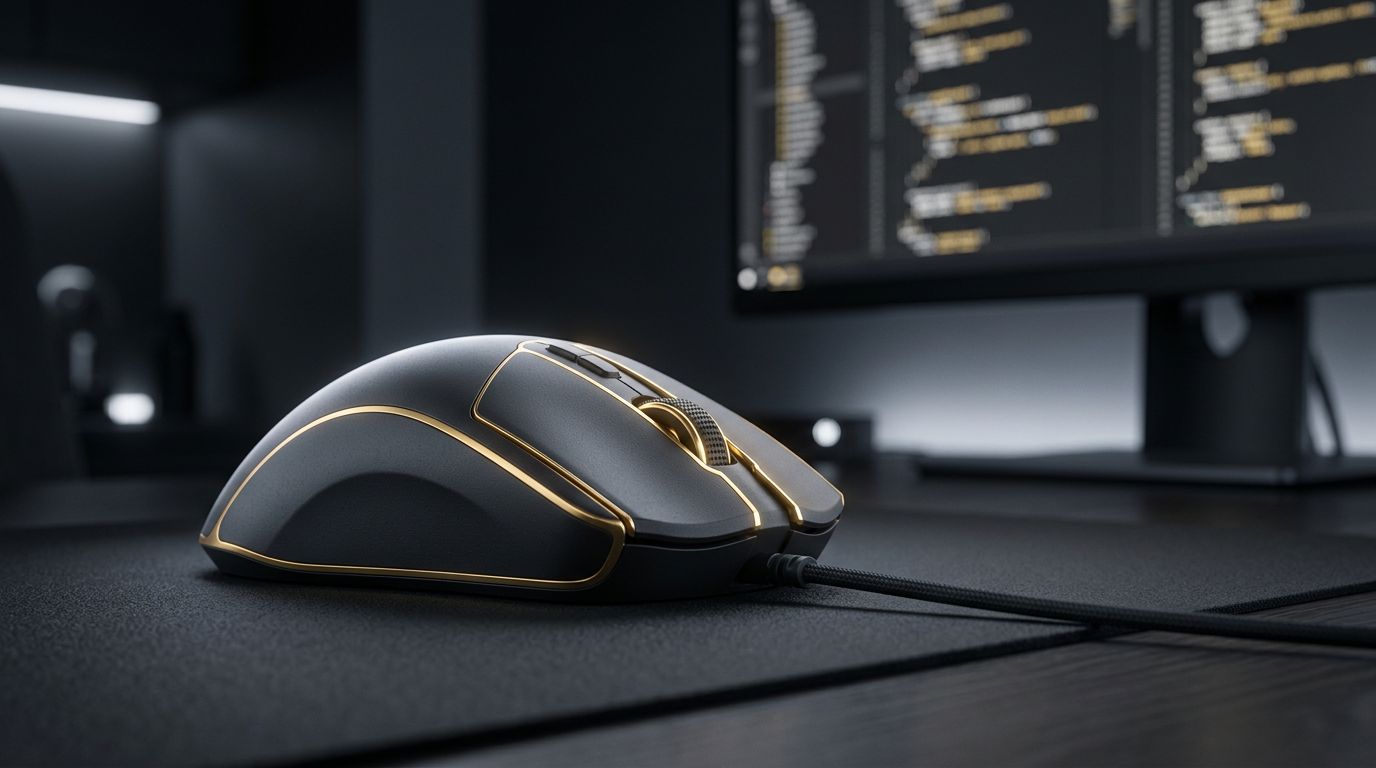
Web developers spend long hours switching between code editors, browsers, terminals, design tools, and documentation. While keyboards get most of the attention, the mouse plays an equally important role in daily productivity and comfort. A well-designed mouse can speed up navigation, reduce strain on your wrist and shoulder, and help prevent repetitive strain injuries over a long career. In this guide, we explore what makes the best mouse for web developers, highlight top models, and share tips for choosing the right one for your workflow.
Let AAMAX.CO Handle the Heavy Lifting
Even with the perfect setup, building a professional website takes significant time and expertise. Businesses that want to skip the long development hours can hire AAMAX.CO, a full-service digital marketing company offering web development, digital marketing, and SEO services worldwide. Their experienced developers use efficient workflows and modern tools to deliver high-quality results. Through their website development services, they build fast, secure, and scalable websites so clients can focus on running their businesses.
Why the Right Mouse Matters for Developers
Developers perform thousands of small actions every day: selecting text, scrolling through long files, dragging panels, inspecting elements, and switching between windows. A mouse that fits your hand and offers useful features can save seconds on each action, which adds up to hours over weeks and months. More importantly, an ergonomic design reduces fatigue and discomfort, helping you stay focused and healthy.
Key Features to Look For
- Ergonomic shape: A design that supports a natural hand position and reduces wrist pronation.
- Programmable buttons: Extra buttons that can be mapped to shortcuts like copy, paste, undo, or switching tabs.
- Smooth, fast scrolling: Free-spinning or hyper-fast scroll wheels are excellent for navigating long code files and logs.
- Horizontal scrolling: Useful for wide spreadsheets, timelines, and design canvases.
- Multi-device support: The ability to switch between a laptop, desktop, and tablet with a single button.
- Precise sensor: Accurate tracking on a variety of surfaces, including glass.
- Battery life and charging: Long-lasting rechargeable batteries with fast USB-C charging.
Logitech MX Master Series: The Developer Favorite
The Logitech MX Master series is widely considered the best mouse for web developers. Its sculpted ergonomic shape supports the hand comfortably during long sessions. The MagSpeed electromagnetic scroll wheel can switch between precise line-by-line scrolling and a free-spinning mode that flies through thousands of lines of code. A dedicated thumb wheel handles horizontal scrolling, and customizable buttons can be configured per application using Logitech's software. With multi-device pairing and quiet clicks, it fits seamlessly into any developer workspace.
Logitech MX Anywhere: Portable Productivity
For developers who travel or work from coffee shops, the MX Anywhere series offers many of the MX Master's features in a compact form. It tracks on almost any surface, includes a fast scroll wheel, and supports multiple devices, making it an excellent companion for laptop-based workflows.
Vertical Mice for Ergonomic Comfort
Vertical mice position your hand in a handshake posture, reducing forearm twisting and strain. The Logitech Lift and MX Vertical are popular choices, offering comfortable grips and customizable buttons. Developers who experience wrist pain or want to proactively protect their joints often find vertical mice to be a major improvement, though they may take a few days to get used to.
Trackballs: Precision Without Arm Movement
Trackball mice, such as the Logitech MX Ergo and Kensington Expert Mouse, keep the device stationary while your thumb or fingers move the ball. This minimizes arm and shoulder movement and works well in tight desk spaces. Many developers appreciate the precision of trackballs for detailed work in design tools and code editors.
Apple Magic Mouse and Trackpad
Mac users often consider the Apple Magic Mouse for its sleek design and gesture support. However, many developers prefer the Magic Trackpad, which offers smooth multi-touch gestures for switching desktops, scrolling, and zooming. Its large surface makes navigating code and browser windows feel natural, although it lacks extra programmable buttons.
Gaming Mice: High Performance at a Good Price
Gaming mice from brands like Razer, Logitech G, and SteelSeries often feature excellent sensors, durable switches, and many programmable buttons. Some developers use them for their responsiveness and customization, especially lightweight models that reduce fatigue. Just be sure the shape suits long work sessions rather than short gaming bursts.
Tips for Choosing the Best Mouse for You
Start by considering your hand size and preferred grip style, whether palm, claw, or fingertip. If you experience discomfort, prioritize ergonomic or vertical designs. Think about your operating system and whether the manufacturer's software supports per-app customization. Finally, consider your workspace: a compact desk may suit a trackball, while a large desk accommodates any style.
Maximizing Productivity with Mouse Shortcuts
Once you have the right mouse, configure its buttons to match your workflow. Map side buttons to browser back and forward for documentation browsing, assign a button to open developer tools, or set gestures for switching virtual desktops. Combining mouse shortcuts with keyboard shortcuts creates a fast, fluid development experience.
Ergonomic Setup Beyond the Mouse
A great mouse works best within a well-designed workspace. Keep your mouse at elbow height, use a comfortable mouse pad, position your monitor at eye level, and take regular breaks to stretch. These habits protect your health and keep you productive throughout your career.
Conclusion
The best mouse for web developers balances comfort, precision, and productivity features. The Logitech MX Master series leads the pack for most developers, while vertical mice, trackballs, and trackpads serve those with specific ergonomic or workflow needs. Investing in the right tool pays dividends in speed and well-being. And when you need a professional website built efficiently by experts, AAMAX.CO is ready to help bring your project to life.
Want to publish a guest post on aamconsultants.org?
Place an order for a guest post or link insertion today.