
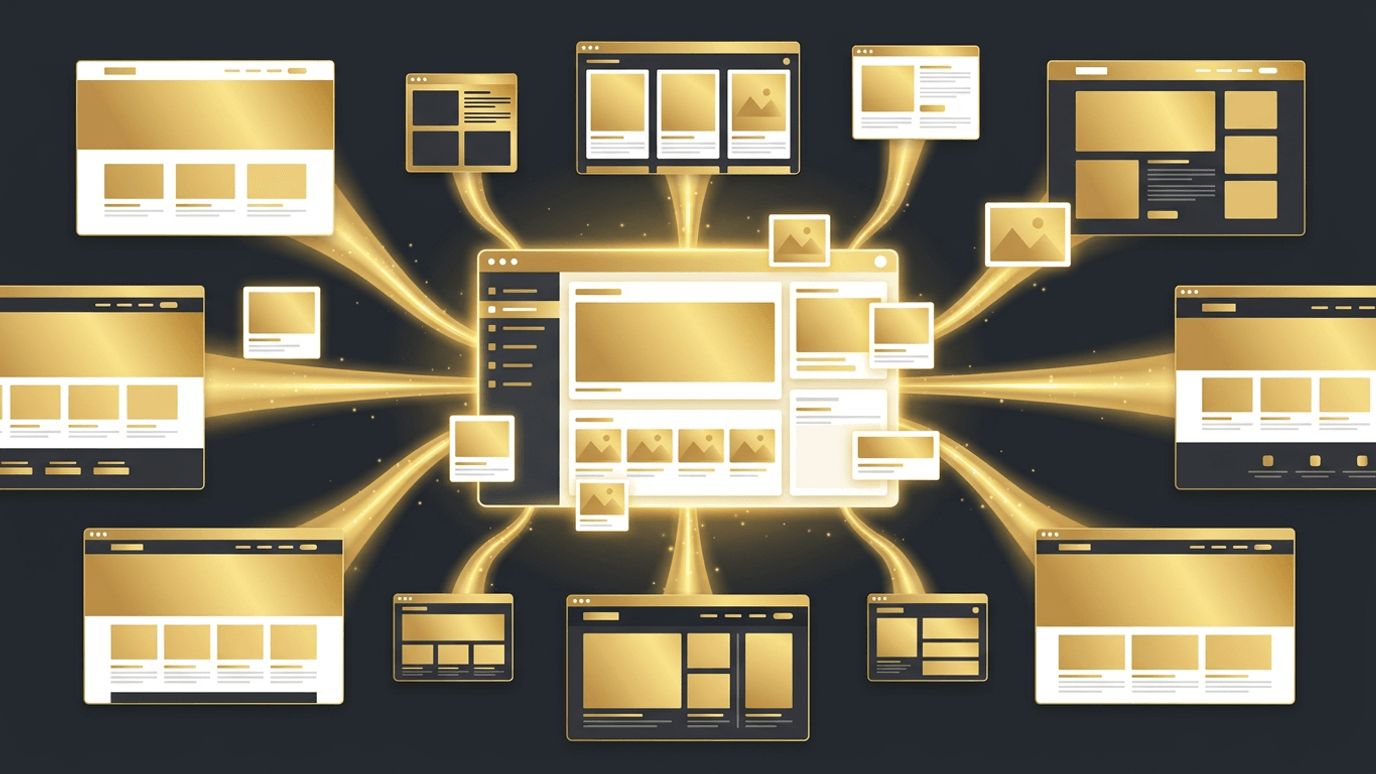
A content management system, or CMS, is one of the most important decisions in any web development project. It determines how easily your team can publish content, update pages, manage media, and scale the website over time. The right CMS empowers marketers and editors to work independently while giving developers the flexibility to build fast, secure, and beautiful experiences. The wrong one can create bottlenecks, security risks, and expensive limitations. This guide explains the types of CMS platforms available and how to select the best CMS for web development.
How AAMAX.CO Builds CMS-Powered Websites That Scale
Implementing a CMS correctly requires both technical skill and an understanding of how content teams actually work. AAMAX.CO is a full service digital marketing company offering web development, digital marketing, and SEO services worldwide. Their developers build CMS-driven websites with intuitive editing experiences, flexible content models, and SEO-friendly structures, using platforms ranging from WordPress to modern headless systems. They also train client teams so they can confidently manage content after launch. Businesses can hire AAMAX.CO for website development that pairs powerful content management with outstanding performance.
What Is a CMS?
A CMS is software that allows users to create, edit, organize, and publish digital content without writing code. It typically includes an administrative dashboard, a content editor, media management, user roles, and publishing workflows. Behind the scenes, it stores content in a database and delivers it to visitors through templates or APIs.
Traditional CMS Platforms
Traditional, or monolithic, CMS platforms manage both content and presentation in one system. WordPress is the most popular example, powering a large share of the web with its themes, plugins, and block editor. Drupal and Joomla offer more complex permission structures and are often used by large organizations. These platforms are familiar, affordable, and quick to set up, making them ideal for many business websites and blogs.
Headless CMS Platforms
A headless CMS separates content management from the front end. Content is stored and managed in the CMS, then delivered through APIs to any front end, such as a website built with Next.js, a mobile app, or a digital display. Popular headless options include Sanity, Contentful, Strapi, Storyblok, Payload, and Hygraph. Headless architecture offers superior performance, security, and flexibility, especially for brands publishing across multiple channels.
Hybrid and Visual CMS Options
Some platforms blend the benefits of both approaches. Webflow combines visual design with a built-in CMS. Storyblok and Builder.io offer visual editing for headless setups, letting marketers see changes in context. WordPress can also operate headlessly through its REST and GraphQL APIs, giving teams familiar editing with a modern front end.
Key Features to Look For
When evaluating a CMS, consider the editing experience, flexible content modeling, media management, version history, scheduled publishing, user roles and permissions, multilingual support, SEO controls, and integrations with analytics, marketing automation, and ecommerce tools. A strong CMS should make everyday tasks simple for non-technical users.
Performance and SEO
CMS choice influences site speed and search rankings. Traditional platforms can become slow when overloaded with plugins, while headless setups paired with static generation or server rendering deliver excellent speed. Ensure your CMS supports custom meta titles, descriptions, clean URLs, structured data, sitemaps, and image optimization.
Security Considerations
Popular platforms attract attackers, so security must be a priority. Traditional CMS installations require regular core, theme, and plugin updates. Headless CMS platforms reduce attack surfaces because the content back end is separate from the public website. Strong passwords, role-based access, backups, and monitoring are essential for any setup.
Scalability and Multi-Channel Publishing
Growing businesses often need to publish content across websites, apps, newsletters, and partner platforms. Headless CMS platforms excel here because content is structured and reusable. Traditional platforms can scale too, but may require more infrastructure optimization as traffic grows.
Cost and Ownership
Open-source platforms like WordPress, Drupal, Strapi, and Payload have no license fees but require hosting and maintenance. SaaS headless CMS platforms charge subscription fees based on users, content volume, or API usage. Consider the total cost of ownership, including development, hosting, plugins, and ongoing support.
Choosing the Right CMS for Your Project
Small businesses and blogs often thrive with WordPress for its simplicity and ecosystem. Design-focused marketing sites may prefer Webflow. Brands with multi-channel needs, high performance requirements, or complex content structures benefit from headless platforms like Sanity or Contentful. Enterprises with strict governance may lean toward Drupal or enterprise headless solutions. Involve both developers and content editors in the decision to ensure the CMS works for everyone.
Content Modeling Best Practices
Regardless of which CMS you choose, thoughtful content modeling is essential. Define content types such as pages, blog posts, case studies, team members, and products with structured fields rather than large free-form text areas. Structured content is easier to reuse, translate, and display consistently across templates. Establish naming conventions, validation rules, and required fields to maintain quality. Involving editors in the modeling process ensures the CMS matches how they actually work, leading to faster publishing and fewer formatting issues.
Conclusion
The right CMS for web development balances ease of use, flexibility, performance, security, and cost. Traditional platforms like WordPress offer familiarity and quick setup, while headless solutions provide speed and multi-channel power. By understanding your content needs and long-term goals, and working with experienced developers, you can choose a CMS that keeps your website fresh, fast, and easy to manage.
Want to publish a guest post on aamconsultants.org?
Place an order for a guest post or link insertion today.