
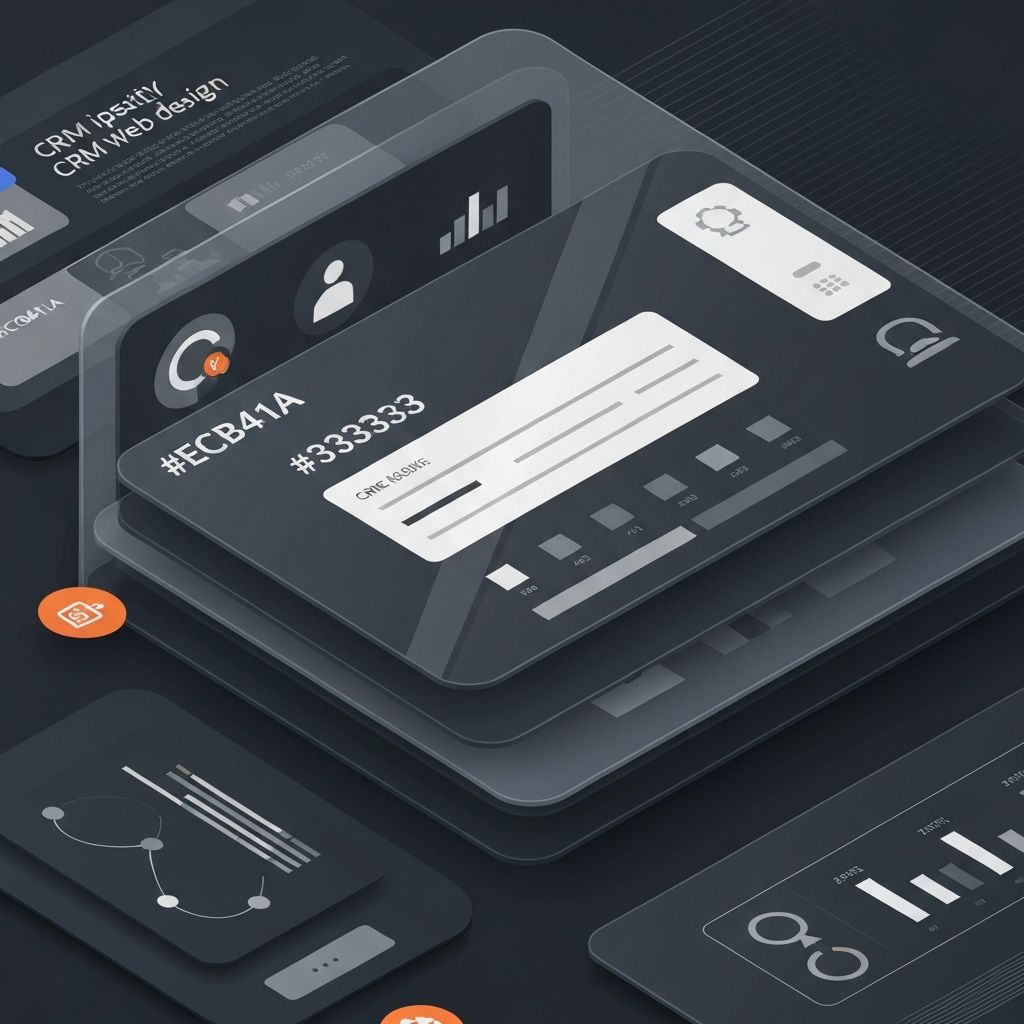
What Is CRM Web Design?
CRM web design refers to the discipline of designing customer relationship management platforms and the websites that promote them. Whether designing the SaaS product itself or marketing a CRM solution, the goal is the same: communicate clarity, trust, and efficiency. CRM users rely on these tools every single day, so even small design decisions can have a meaningful impact on productivity and adoption.
Great CRM web design balances dense functionality with calm, focused interfaces. It removes friction from common tasks, surfaces the right information at the right time, and adapts to the workflows of sales, marketing, and customer success teams.
Hire AAMAX.CO for CRM Web Design and Development
SaaS founders and businesses building or marketing a CRM platform can benefit from partnering with AAMAX.CO. They are a full service digital marketing company offering web development, digital marketing, and SEO services worldwide, and their team has the experience to design and build complex CRM interfaces and high-converting marketing sites that explain value clearly to busy decision-makers.
Designing the CRM Product Interface
Inside a CRM application, information density is high. Users navigate contacts, deals, activities, reports, and integrations all day long. The design must use clear hierarchy, consistent components, and predictable navigation patterns to keep cognitive load low. Sidebars, tabs, and contextual panels help organize information without overwhelming the screen.
Design systems are essential. A robust component library ensures buttons, tables, modals, and forms behave consistently across the entire product. This consistency reduces training time, lowers support costs, and accelerates feature development. Skilled web application development teams treat design systems as a first-class deliverable.
Dashboards and Data Visualization
Dashboards are the heart of any CRM. They must present pipeline value, deal velocity, conversion rates, and team performance at a glance. Effective dashboards use a mix of summary cards, charts, and tables, with the ability to drill down for deeper analysis. Color should be used purposefully to indicate status, not as decoration.
Customization matters. Different users—sales reps, managers, executives—need different views. Allowing users to configure dashboards without overwhelming them with options is a key challenge for CRM designers.
Forms, Inputs, and Data Entry
CRMs live and die by data entry. If forms are tedious, users skip fields, and the entire system becomes unreliable. Smart design choices like inline editing, autosave, smart defaults, and conditional fields make data entry faster and more accurate. Bulk actions, keyboard shortcuts, and quick-add modals further reduce friction for power users.
Validation should be friendly and immediate. Errors should explain not only what went wrong but how to fix it, ideally without forcing the user to refresh or lose context.
Marketing Site Design for CRM Products
The marketing website for a CRM platform plays a different but equally important role. It must explain a complex product in seconds, build trust quickly, and drive demos or trial signups. Hero sections should lead with a clear value proposition, supported by product screenshots, customer logos, and concise feature highlights.
Comparison pages, ROI calculators, and integration directories help prospects evaluate the platform thoroughly. Strong website design ensures these elements feel cohesive, credible, and on-brand.
Performance and Accessibility
CRM users include people across every ability level and device. Designs must meet WCAG accessibility standards, work well with keyboard navigation, and remain usable on lower-end hardware. Performance is equally important; nothing kills CRM adoption faster than slow page loads or laggy interactions.
Lazy loading, virtualized lists, and efficient state management techniques help keep CRMs responsive even as data grows.
Onboarding and Empty States
First impressions matter. Thoughtful onboarding flows, sample data, and helpful empty states turn a confusing new tool into a quick win. Tooltips, guided tours, and contextual tips support ongoing learning without overwhelming experienced users.
Final Thoughts
CRM web design is where craft, strategy, and empathy meet. Done well, it transforms a database-heavy tool into a workspace people genuinely enjoy using. By focusing on clarity, performance, and user-centered workflows, designers can create CRM experiences that drive adoption, productivity, and customer success at every level of the organization.
Want to publish a guest post on aamconsultants.org?
Place an order for a guest post or link insertion today.