
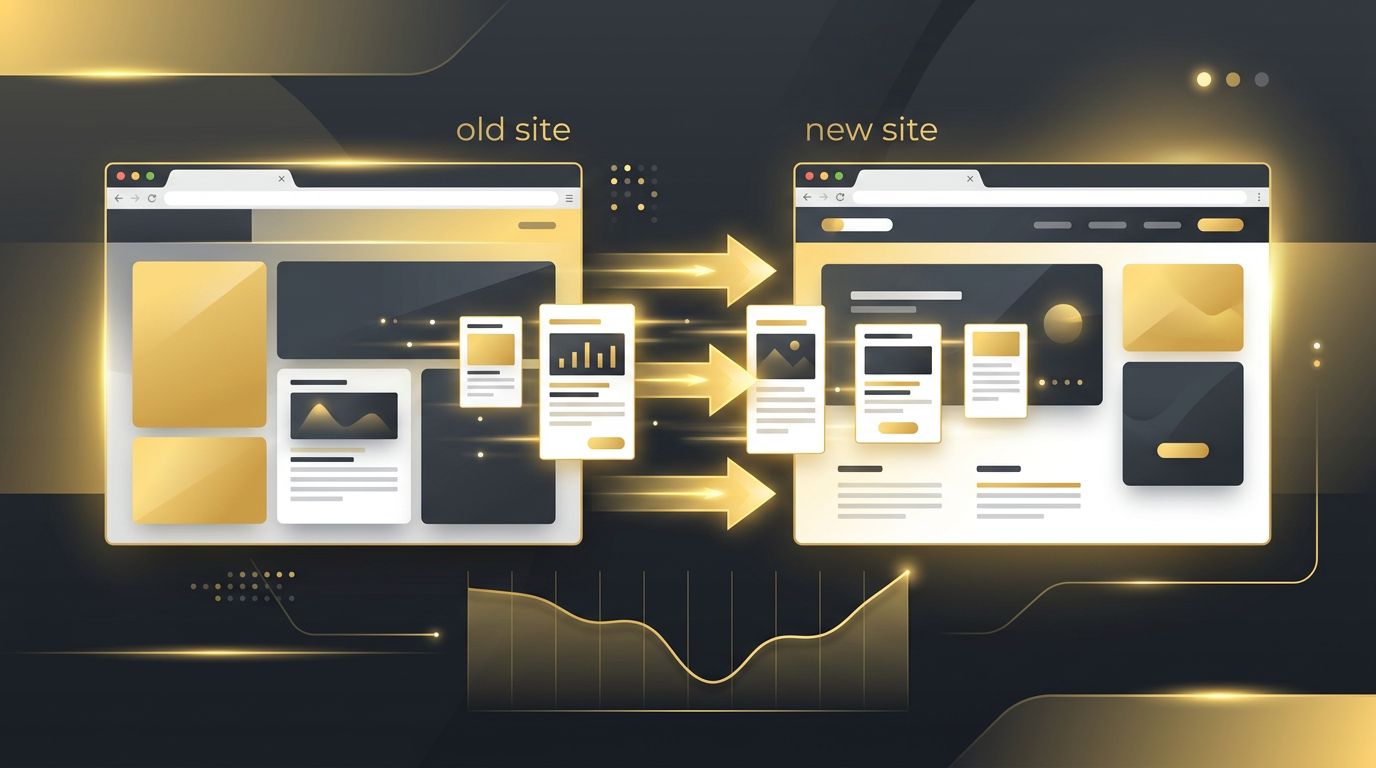
A website redesign or platform change can feel like a fresh start, but for brands that rely on content marketing, it also carries real risk. Years of blog posts, guides, and landing pages may have earned rankings, backlinks, and steady organic traffic. So, does changing websites mess up content marketing SEO? The honest answer is that it can, but it does not have to. With careful planning, a website change can actually strengthen your content strategy. This article explains what can go wrong, why it happens, and how to protect your hard-earned visibility.
How AAMAX.CO Helps Protect SEO During Website Changes
Website migrations are one of the most technical and high-stakes projects in SEO, which is why many businesses bring in experienced specialists. AAMAX.CO is a full-service digital marketing company offering web development, digital marketing, and SEO services worldwide. Because they handle both development and search engine optimization, their team can plan redirects, preserve content structure, and audit the new site before launch. Businesses that hire AAMAX.CO for a migration benefit from a single team that understands how design decisions affect rankings, helping them avoid the traffic drops that often follow a poorly managed transition.
Why Website Changes Affect Content SEO
Search engines associate rankings with specific URLs, content, and signals. When you change websites, any of those elements may shift. URLs might be restructured, content may be rewritten or removed, internal links can break, and technical settings like canonical tags or metadata can be lost. Each change forces search engines to re-evaluate your pages. If the signals they relied on disappear, rankings can slip until the new site rebuilds trust.
Common Ways a New Website Hurts Content Marketing
- Changed URLs without redirects: If old blog URLs return 404 errors, you lose the authority and backlinks those pages earned.
- Deleted or consolidated content: Removing older posts that still drive traffic can eliminate rankings for valuable long-tail keywords.
- Lost metadata: Titles, meta descriptions, and header structures sometimes fail to transfer during migration.
- Broken internal linking: Content clusters rely on internal links to signal topical relevance, and broken links weaken that structure.
- Slower performance: A heavier design can hurt Core Web Vitals, impacting both rankings and user engagement.
- Indexing mistakes: Accidentally leaving a noindex tag or blocking crawlers in robots.txt can remove an entire site from search results.
Plan With a Complete Content Inventory
The first step in a safe migration is knowing exactly what you have. Crawl your existing site and export every URL along with its traffic, rankings, backlinks, and conversions. Identify your top-performing content and flag pages that attract links from authoritative domains. This inventory becomes your roadmap. It tells you which pages must be preserved exactly, which can be improved, and which can safely be merged or retired.
Map and Implement 301 Redirects
Redirects are the single most important safeguard. Every old URL that changes should point to its most relevant new equivalent with a permanent 301 redirect. Avoid sending everything to the homepage, as search engines may treat that as a soft 404. Map redirects one-to-one wherever possible, test them before launch, and avoid redirect chains that slow crawlers down. When done correctly, redirects pass most of the original page's authority to the new location.
Preserve On-Page Optimization
Your content marketing success depends on more than words. Make sure titles, meta descriptions, header tags, image alt text, structured data, and internal links transfer accurately. If you plan to rewrite content, do so strategically and keep the primary keyword focus intact. Sudden changes to both URLs and content at the same time make it harder for search engines to understand that the new page is a continuation of the old one.
Test Before and After Launch
Use a staging environment to crawl the new site before it goes live. Check for broken links, missing pages, duplicate content, and accidental noindex tags. After launch, submit a new XML sitemap in Google Search Console, monitor crawl errors, and compare rankings and traffic against your pre-launch benchmarks. Watching performance closely during the first weeks allows you to catch and fix issues before they cause lasting damage.
Use the Change as an Opportunity
A website change is also a chance to improve your content strategy. You can strengthen topic clusters, update outdated posts, improve site architecture, and make pages faster and more mobile-friendly. Many brands see traffic grow after a well-executed migration because the new site delivers a better user experience. Pairing technical improvements with a broader digital marketing plan can amplify the benefits even further, giving your refreshed content more reach across email, social, and paid channels.
How Long Recovery Usually Takes
Even with a perfect migration, some ranking fluctuation is normal. Search engines need time to recrawl and reprocess your pages. Small sites often stabilize within a few weeks, while larger content libraries may take a few months. If traffic continues to decline beyond that, investigate redirects, indexing status, and content changes to pinpoint the problem. Keeping a detailed change log during the project makes this troubleshooting far faster.
Final Thoughts
Changing websites does not have to mess up your content marketing SEO. Problems arise when migrations are rushed or treated purely as design projects. By inventorying your content, implementing proper redirects, preserving on-page elements, and testing thoroughly, you can protect your rankings and even improve them. Treat SEO as a core part of the redesign from the very beginning, and your content will continue to deliver value on your new website.
Want to publish a guest post on aamconsultants.org?
Place an order for a guest post or link insertion today.