
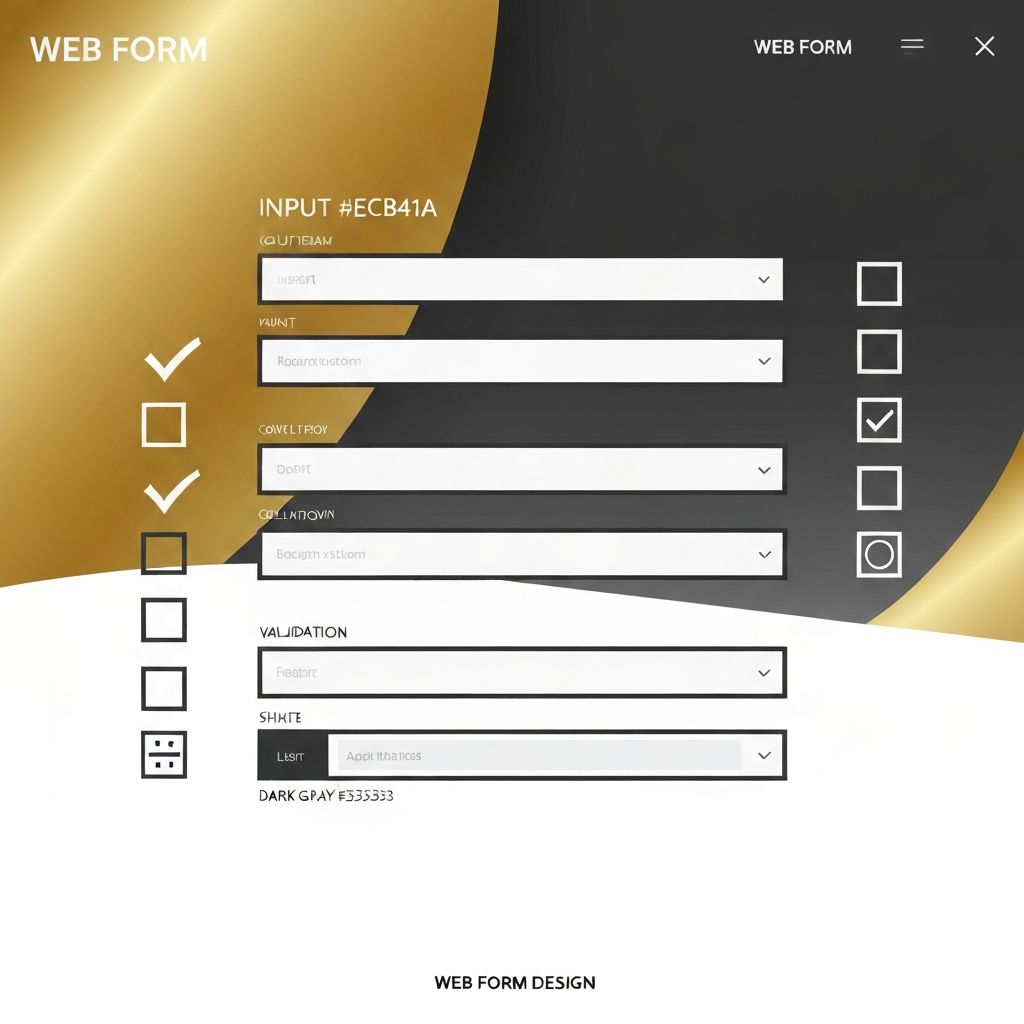
Why Forms Web Design Matters More Than You Think
Forms are where conversions happen. Whether it is a contact form, checkout, signup, quote request, or survey, forms are the bridge between a curious visitor and a real business outcome. Yet, forms are often the most neglected part of a website. Poorly designed forms can quietly destroy conversion rates, while well-designed forms can lift them by double digits with surprisingly small changes.
Forms web design is the discipline of crafting form experiences that are clear, fast, accessible, and trustworthy. It blends visual design, UX strategy, copywriting, and front-end engineering into a single, high-stakes component.
Hire AAMAX.CO for Conversion-Focused Forms and Web Design
Businesses that want forms to actually generate leads—not just sit on a contact page—can hire AAMAX.CO for expert website design and development. They are a full-service digital marketing company that builds high-converting forms, landing pages, and full websites for clients worldwide. Their team applies UX research, A/B testing, and technical best practices to every project so forms become true revenue drivers.
The Psychology of Form Completion
Every form asks the user to give something—time, attention, personal information—in exchange for a perceived benefit. The greater the friction, the smaller the likelihood of completion. Designers must constantly weigh the value of each field against the cost it adds to the user experience. Marketing teams often want more data; UX teams must push back to keep forms lean and respectful.
Trust signals also play a huge role. Privacy assurances, security badges, testimonials near the form, and transparent explanations of how data will be used can dramatically improve completion rates.
Layout and Field Design
Single-column layouts almost always outperform multi-column ones. They are easier to scan, especially on mobile, and reduce cognitive load. Labels should sit above fields rather than inside them as placeholders, since placeholder-only labels disappear when users start typing and create accessibility issues.
Group related fields logically—personal info, address, payment—and use clear section headings for longer forms. Visual progress indicators help users feel oriented and motivated to continue, especially in multi-step flows.
Reducing the Number of Fields
One of the highest-impact optimizations is simply asking for less. Studies consistently show that reducing form fields from ten to four can increase conversion rates significantly. Question every field: Do you really need a phone number? A company name? A job title? If a field is not essential to the next step, remove it or make it optional.
Progressive profiling—collecting more data over time across multiple interactions—is a smarter alternative to long initial forms.
Inline Validation and Error Handling
Inline validation gives users immediate feedback as they fill out a form. Green checkmarks for valid entries and clear, friendly error messages for mistakes prevent frustration. Avoid generic errors like "Invalid input"—instead, explain exactly what went wrong and how to fix it ("Please enter a valid email address with an @ symbol").
Highlight error fields with both color and icons to support color-blind users, and never reset the entire form if a single field is wrong. Losing entered data is a top reason users abandon forms.
Mobile Form Optimization
Mobile forms require special care. Use the correct input types (email, tel, number, date) so the right keyboard appears automatically. Make tap targets large, spacing generous, and CTAs sticky when appropriate. Autofill support, password managers, and biometric authentication should all be considered.
Long forms on mobile can be broken into multiple steps with clear progress indicators, making them feel more manageable.
Accessibility in Form Design
Accessible forms are not optional—they are a legal and ethical requirement. Every field must have a properly associated label, sufficient color contrast, keyboard navigability, and clear focus states. Screen reader users should be able to understand the structure and any error messages without confusion.
Performance and Spam Protection
Forms must load quickly and submit reliably. Server-side validation, CAPTCHA alternatives like honeypots or invisible reCAPTCHA, and rate limiting protect against spam without hurting legitimate users. Confirmation messages and follow-up emails reassure users that their submission was received.
Final Thoughts
Forms web design is one of the highest-leverage areas of any website. Small improvements compound into significant revenue gains over time. With expert website development and a relentless focus on user experience, forms can transform from a necessary evil into a powerful growth engine.
Want to publish a guest post on aamconsultants.org?
Place an order for a guest post or link insertion today.