
What Is Intranet Web Page Design?
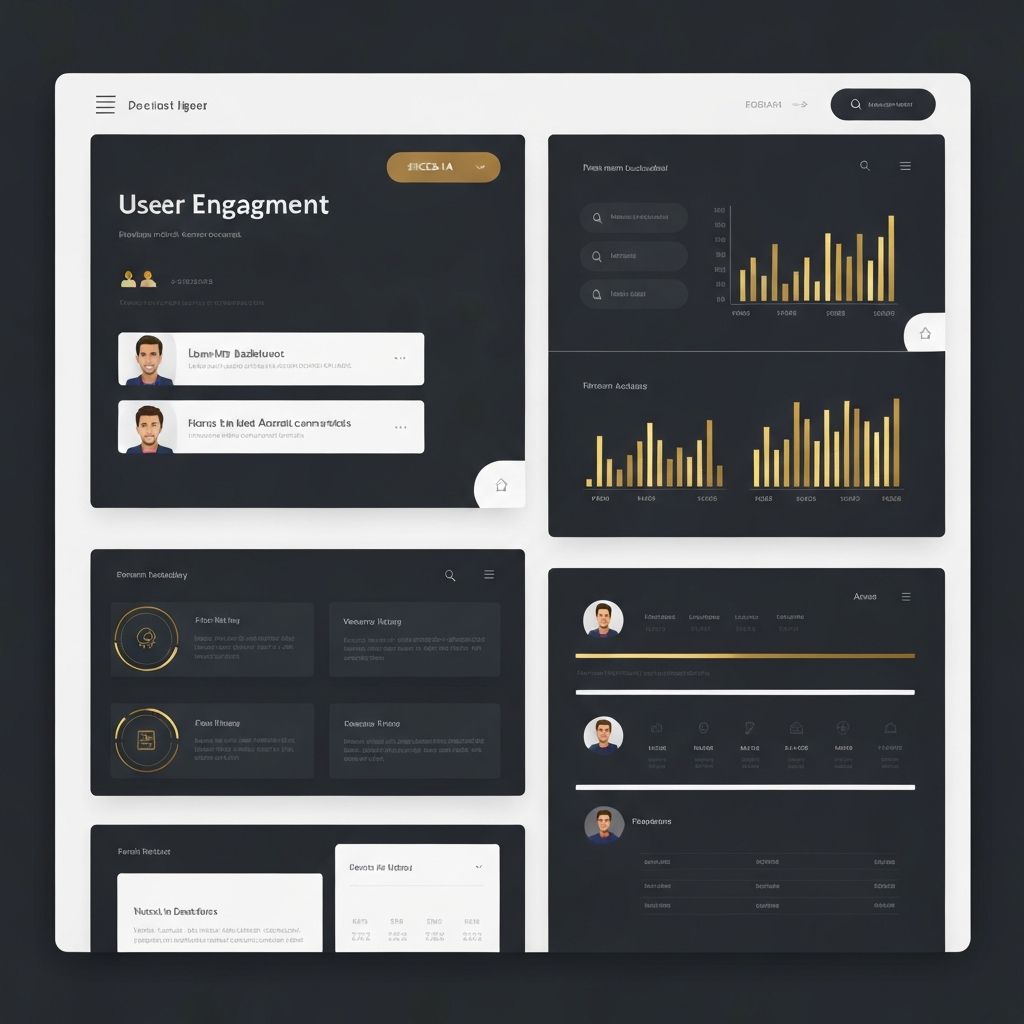
Intranet web page design refers to the structure, layout, and visual styling of individual pages within a company's internal website. While intranet web design as a whole deals with the entire platform, page design focuses on how each specific page, such as the homepage, news page, HR portal, or department hub, is built to serve its users. Every page within an intranet has a unique purpose, and effective design ensures that employees can accomplish their goals quickly, whether that is finding a policy document, requesting time off, or reading the latest CEO update.
Hire AAMAX.CO for Intranet Web Page Design
Companies that want polished, employee-friendly internal pages can hire AAMAX.CO for expert website design and web application development. Their team focuses on building intranet pages that are both visually clean and highly functional, ensuring that employees can navigate, search, and complete tasks with minimal friction across desktop and mobile devices.
Designing the Intranet Homepage
The homepage is the most visited page in any intranet, and its design sets the tone for the entire platform. It should present the most important information at a glance: company announcements, key metrics, upcoming events, and quick links to the tools employees use daily. A well-designed homepage uses a modular layout where different content blocks, such as news, alerts, and shortcuts, are clearly separated yet visually unified. Personalization based on role, location, or department makes the homepage feel relevant rather than generic.
Department and Team Pages
Department pages give individual teams a dedicated space within the intranet. These pages should reflect both the overall company branding and the unique needs of each team. A marketing team page might feature campaign calendars and brand assets, while an operations page might highlight standard procedures and equipment manuals. Consistent templates across departments ensure a unified experience while still allowing flexibility for team-specific content.
News, Announcements, and Communication Pages
Internal communication pages are critical for keeping employees informed and engaged. These pages should make scanning easy, with clear headlines, summaries, and publication dates. Featured stories can be highlighted at the top, while archived posts remain searchable. Including author photos and bylines adds a human touch and builds trust in internal communications. Comment sections or reaction features can encourage two-way dialogue rather than one-way broadcasting.
HR and Self-Service Pages
Some of the most valuable intranet pages are those that allow employees to handle HR tasks themselves, such as updating personal information, requesting leave, accessing benefits, or viewing pay information. These pages must be designed with clarity and simplicity. Forms should be short, with clear labels and helpful inline guidance. Status indicators, such as "Request submitted" or "Approved," reduce confusion and follow-up emails. Strong design here directly reduces the workload on HR teams.
Document Libraries and Knowledge Bases
Document libraries are often the most-searched part of any intranet. Page design should support fast scanning and filtering, with clear categories, tags, and metadata. Preview thumbnails, last-updated dates, and document owners help users quickly assess whether a file is current and relevant. Embedded search bars on these pages, with smart suggestions, dramatically improve findability and reduce the time employees spend hunting for information.
Visual and Interaction Design Principles
Intranet pages should follow consistent visual rules: a defined color palette, typography hierarchy, and spacing system. Icons should be used purposefully to support scanning, not as decoration. Interactive elements such as buttons, tabs, and accordions should behave predictably across the platform. Accessibility is essential, with sufficient contrast, keyboard navigation, and screen reader support so that every employee, regardless of ability, can use the intranet effectively.
Mobile and Responsive Considerations
Today's employees expect to access intranet pages from phones and tablets, especially in field-based or hybrid roles. Each page should be designed with a mobile-first mindset, prioritizing the most important content and simplifying complex layouts on smaller screens. Touch-friendly buttons, collapsible sections, and streamlined navigation make mobile intranet pages genuinely usable rather than awkward afterthoughts.
Conclusion
Intranet web page design is where strategy meets daily reality. Each page is an opportunity to save employees time, reinforce culture, and support business goals. By focusing on clarity, consistency, accessibility, and mobile usability, organizations can build intranet pages that employees actually rely on and return to every day.
Want to publish a guest post on aamconsultants.org?
Place an order for a guest post or link insertion today.