
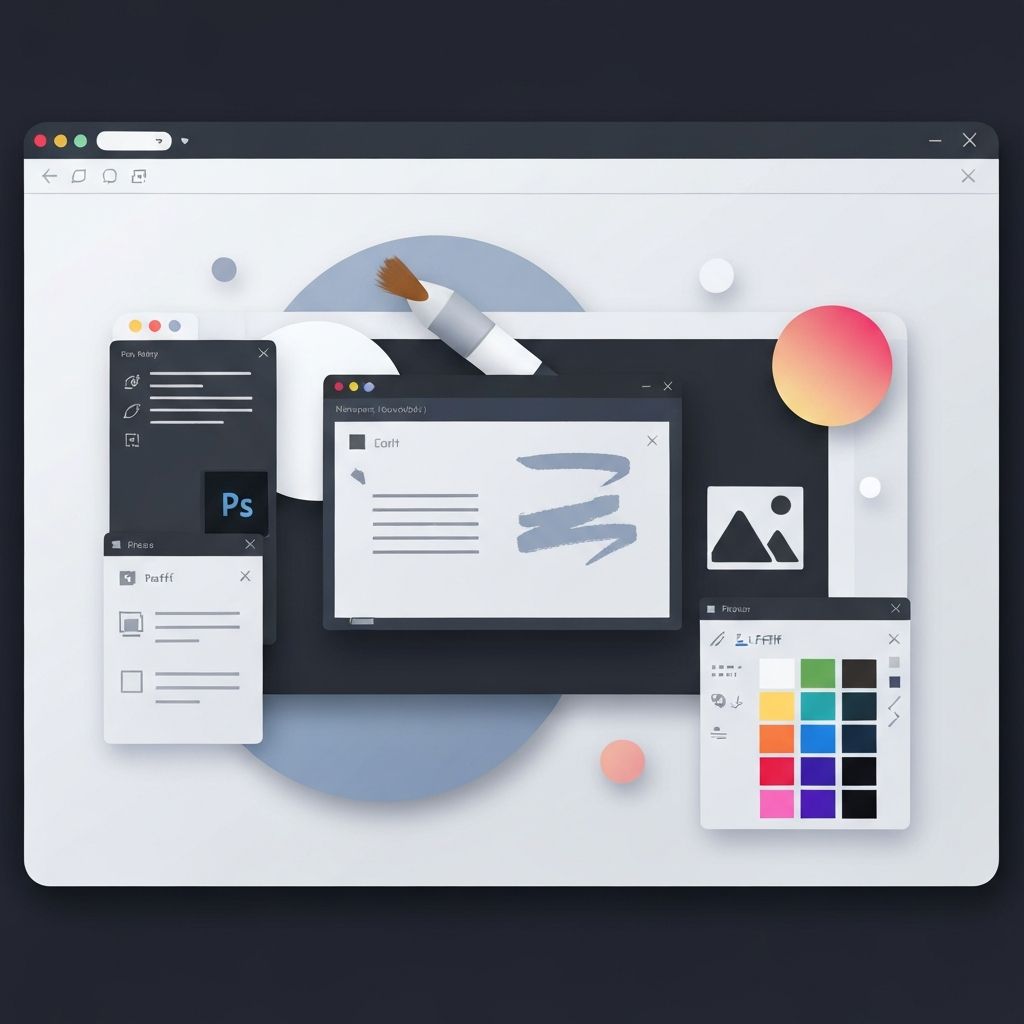
The Enduring Role of Photoshop in Web Design
Even in an era dominated by Figma, Sketch, and Adobe XD, Photoshop remains a cornerstone tool in many web designers' arsenals. Its unmatched depth in image manipulation, complex visual effects, and pixel-level precision make it indispensable for tasks that newer UI-focused tools cannot fully replace. From creating hero banners and product photography retouches to designing custom textures and intricate icons, Photoshop continues to shape the visual language of the web.
While dedicated UI design tools have streamlined wireframing and prototyping, Photoshop's strength lies in raster graphics, photo editing, and detailed visual composition. Many design teams use Photoshop in tandem with other tools, leveraging its capabilities for asset creation while handling layout and prototyping elsewhere.
Hire AAMAX.CO for Web Design and Development
While Photoshop is an incredible tool, transforming static designs into a fully functional, responsive website requires development expertise. AAMAX.CO is a full-service digital marketing company offering web development, digital marketing, and SEO services worldwide. Their team specializes in turning visual concepts, whether crafted in Photoshop or other tools, into high-performing websites optimized for speed, SEO, and conversions. Their website design services bridge the gap between stunning visual design and robust web execution.
Photoshop for Web Design Mockups
For decades, Photoshop was the de facto tool for creating website mockups. Designers would build pixel-perfect representations of every page, complete with imagery, typography, and effects. While newer tools have taken over much of this workflow, Photoshop mockups remain valuable, especially for designs that lean heavily on photography, custom illustrations, or rich visual effects.
Modern Photoshop versions include artboards, which simulate multiple devices and screen sizes within a single document. This makes it easier to design responsive layouts and present clients with a complete visual story across desktop, tablet, and mobile views.
Creating Web-Optimized Assets
One of Photoshop's most enduring strengths is asset creation. Designers use it to produce hero images, banners, product shots, and background textures with precise control over color, composition, and effects. The Save for Web feature optimizes images for fast loading without sacrificing visual quality, a critical factor for SEO and user experience.
Smart Objects and Smart Filters allow designers to apply non-destructive edits, making it easy to iterate on creative directions without losing original quality. Layer styles, adjustment layers, and blending modes give designers granular control over every visual element.
Photo Retouching for E-Commerce and Portfolios
E-commerce sites live or die by the quality of their product photography, and Photoshop is the gold standard for retouching. Removing backgrounds, correcting colors, smoothing imperfections, and creating consistent lighting across product images all happen in Photoshop. The result is professional, conversion-ready imagery that builds trust and drives sales.
Portfolios for photographers, models, and creative professionals also rely heavily on Photoshop retouching. Subtle enhancements, creative compositing, and color grading transform good photos into stunning visual experiences that elevate the overall website.
Designing Custom Icons and Illustrations
While vector tools like Illustrator and Figma handle most icon work today, Photoshop excels at creating raster-based illustrations and detailed icons that require texture, shading, or photographic elements. Custom illustrations add personality and brand differentiation that stock graphics cannot match.
Photoshop's brush engine, layer effects, and filter library enable designers to create unique illustrations that align with the website's visual identity. These custom assets often become signature elements that distinguish a brand from competitors.
Texturing and Visual Effects
Modern web design increasingly embraces rich textures, gradients, and visual effects to create depth and atmosphere. Photoshop is unmatched for crafting these elements. Whether designing a noise-textured background, a custom gradient mesh, or a complex glassmorphism effect, Photoshop provides the tools to execute the vision precisely.
Designers can export these effects as optimized PNG, JPG, or WebP files for use in HTML and CSS. For SVG-friendly effects, designers often combine Photoshop and Illustrator workflows to get the best of both worlds.
Workflow Integration with Modern Tools
Photoshop integrates well with the broader Adobe ecosystem and modern design pipelines. Files can be opened in Adobe XD, exported as assets to Figma, or handed off to developers using tools like Adobe Asset Export and Generator. Cloud sync via Creative Cloud ensures team members always have access to the latest files.
For development teams, Photoshop files (.psd) can be inspected for measurements, colors, and assets using tools like Avocode or directly through Adobe's developer-friendly export options. This makes the handoff from designer to developer smoother and more accurate.
Performance Considerations
One challenge of Photoshop-driven workflows is file size and performance. Large PSD files with hundreds of layers can become unwieldy, slowing down both designers and computers. Best practices include organizing layers in groups, using smart objects judiciously, and flattening or rasterizing layers when no longer needed.
Exporting assets in modern formats like WebP and AVIF, along with proper compression, ensures the final website loads quickly. Combining Photoshop's design capabilities with professional website development ensures that visual richness does not come at the cost of performance.
When to Use Photoshop and When Not To
Photoshop is ideal for raster-based work, photo editing, complex visual compositions, and asset creation. It is less suitable for wireframing, prototyping, and collaborative UI design, where tools like Figma or Sketch shine. Smart designers know when to reach for Photoshop and when to use other tools, building workflows that leverage each tool's strengths.
Conclusion
Photoshop remains a vital tool in modern web design, even as new tools have transformed the broader design landscape. Its strengths in image manipulation, asset creation, and visual effects ensure it will continue to play an important role in producing visually rich, brand-defining websites for years to come.
Want to publish a guest post on aamconsultants.org?
Place an order for a guest post or link insertion today.