
The Quiet Power of Shadows on the Web
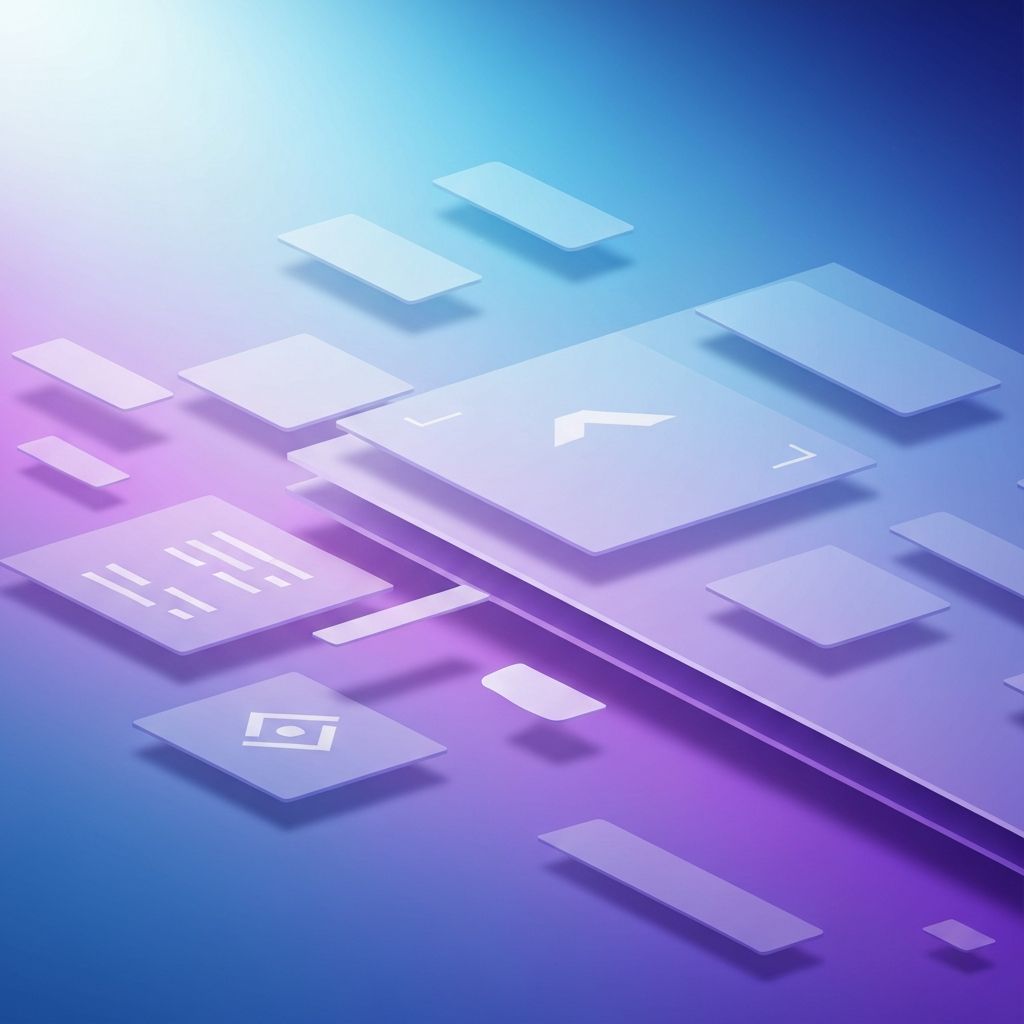
Shadows are one of the most subtle yet influential tools in a designer's toolkit. They suggest depth, separate layers, and signal interactivity, all without saying a word. From skeuomorphic interfaces of the early 2010s to today's refined neumorphic and glassmorphic styles, shadows have continually evolved alongside web design trends. Understanding how to use them well can elevate a design from flat and forgettable to layered and engaging.
Yet shadows are also one of the easiest elements to misuse. Heavy, dark, or inconsistent shadows can make a clean interface look dated or cluttered. The goal is always to use shadows with purpose, ensuring each one supports the user's understanding of the interface rather than just decorating it.
Hire AAMAX.CO for Modern, Polished Web Design
If you want a website that uses contemporary design techniques like layered shadows, refined typography, and thoughtful micro-interactions, consider working with AAMAX.CO. They are a full-service digital marketing company offering website design services worldwide. Their designers stay current with the latest visual trends and apply them in ways that strengthen brand identity and improve user experience.
Why Shadows Matter for User Experience
Humans naturally interpret depth based on light and shadow. When a designer adds a shadow beneath a button, the brain instantly understands that the button is closer to the viewer than the surrounding surface. This perception of depth helps users identify which elements are clickable, which are static, and how different sections of a page relate to one another.
Shadows also create focus. A modal window with a strong shadow against a dimmed background pulls the eye immediately. A card that lifts slightly on hover invites a click. These cues happen so quickly that users rarely notice them consciously, yet they shape every interaction.
Types of Shadows in Modern Web Design
Drop shadows are the most familiar type, sitting beneath an element to suggest it is hovering above the surface. Inner shadows do the opposite, creating the impression that an element is recessed into the page. Long shadows, popular in flat design, extend at a sharp angle and add a stylistic flourish without breaking the flat aesthetic.
More recently, layered shadows have become a hallmark of high-end design. Instead of a single, harsh shadow, designers stack multiple shadows with different blur radii and opacities to mimic the way light behaves in the real world. The result is a softer, more realistic effect that feels premium without being heavy.
Glassmorphism, Neumorphism, and Beyond
Glassmorphism uses translucent surfaces with soft shadows and background blur to create a frosted glass effect. It works beautifully for cards, navigation bars, and modals when paired with vibrant backgrounds. Neumorphism, on the other hand, uses two opposing shadows to make elements appear extruded from or pressed into a soft surface. While visually striking, neumorphism requires careful contrast handling to remain accessible.
Both styles depend heavily on shadows to achieve their look. Choosing between them depends on the brand personality and the type of content being presented. Glassmorphism tends to feel modern and airy, while neumorphism feels tactile and minimal.
Best Practices for Using Shadows
The most important rule with shadows is consistency. Define a small set of shadow styles, perhaps three or four, and use them across the entire interface. For example, a small shadow for resting cards, a medium shadow for hover states, and a large shadow for modals. This system creates a coherent sense of elevation throughout the design.
Soft, subtle shadows almost always look better than dark, hard ones. A shadow with low opacity and a generous blur radius feels natural, like daylight on a textured surface. Pure black is rarely the right color; a slightly tinted shadow that picks up undertones from the surrounding palette feels more refined.
Performance and Accessibility Considerations
Shadows are typically rendered using CSS, which means they cost very little in terms of performance. However, animating shadows on hover or scroll can become expensive on lower-end devices. Using transform and opacity animations alongside shadows, or pre-rendering complex effects, helps keep interactions smooth.
Accessibility deserves attention as well. Shadows should never be the only indicator of interactivity. A button must remain identifiable through color, label, and shape, not just through its lift. Users with visual impairments, color blindness, or reduced motion preferences need clear alternatives to depth-based cues.
Tools and Techniques for Designers
Modern design tools offer rich shadow controls, allowing designers to stack multiple shadows, adjust spread, and fine-tune opacity. CSS provides the same flexibility through the box-shadow and filter properties. Designers and developers should collaborate closely to ensure that the shadow values used in design files translate accurately to code.
Online generators and design systems can speed up the process. Many established design systems publish their shadow tokens publicly, offering a great reference for what works in production. Studying these systems is one of the fastest ways to internalize good shadow practices.
Conclusion
Shadows in web design are far more than a decorative flourish. They communicate depth, guide attention, and signal interactivity in ways that words cannot. Used thoughtfully, they elevate the user experience and reinforce brand quality. Used carelessly, they clutter the interface and confuse the eye. Treat shadows as a system, refine them over time, and they will quietly do some of the most important work on your website.
Want to publish a guest post on aamconsultants.org?
Place an order for a guest post or link insertion today.