
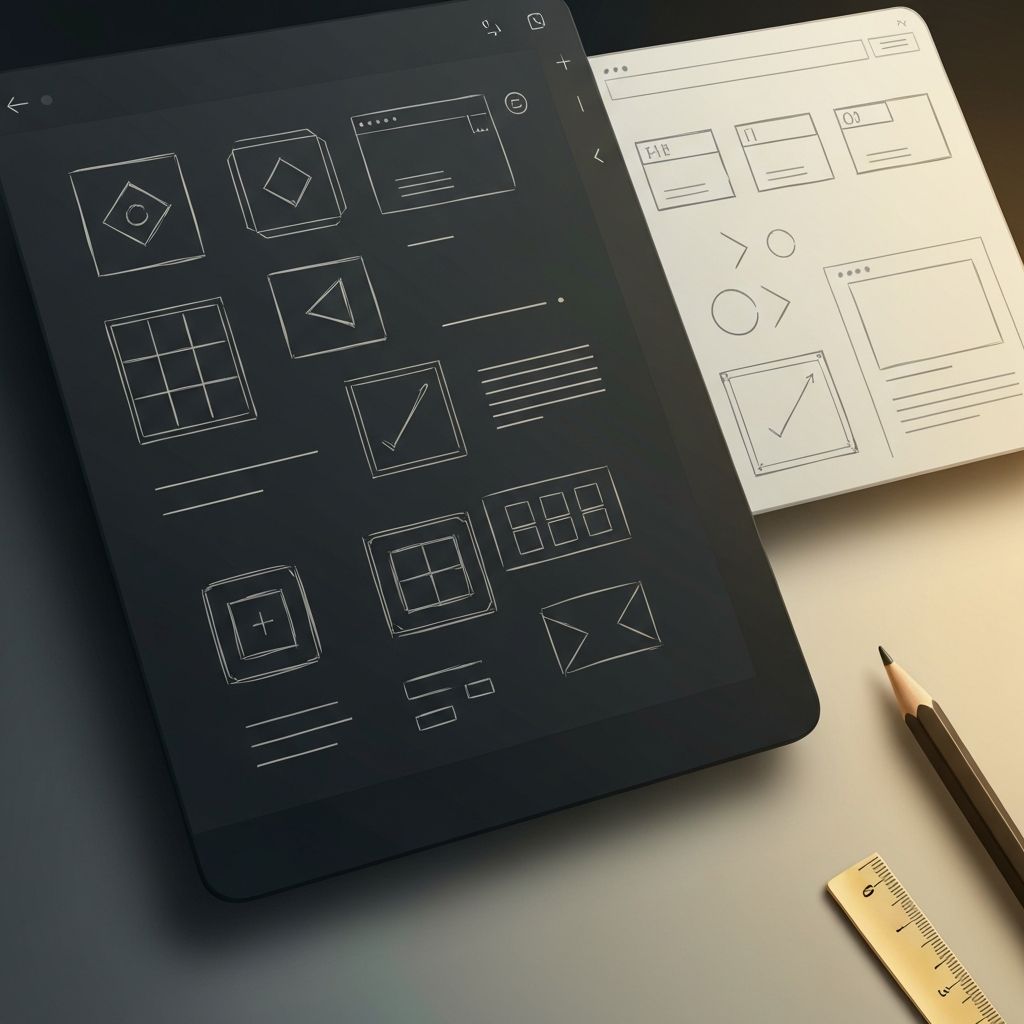
Introduction to Web Design 101
Web design is the practice of creating websites that are visually appealing, easy to use, and aligned with business goals. For anyone new to the field, the breadth of topics can feel overwhelming: layout, color theory, typography, accessibility, performance, SEO, and more. This guide breaks down the essentials so you can understand how the pieces fit together. Whether you are a small business owner, an aspiring designer, or a marketer, mastering the basics of web design will help you make better decisions about your online presence.
Hire AAMAX.CO for Professional Web Design
If you would rather skip the learning curve and partner with experts, you can hire AAMAX.CO to design and develop a website that fits your goals perfectly. Their website design services cover everything from strategy and branding to layout, content, and launch. They craft sites that are visually stunning, technically sound, and optimized to convert visitors into customers, so you can focus on running your business while they handle the digital heavy lifting.
Understanding Layout and Structure
Layout is the foundation of every web page. It determines how content is organized, how the eye moves across the screen, and how easily users find what they need. Common layout patterns include single-column designs, multi-column grids, and full-width hero sections followed by structured content blocks. Grids based on 12 columns are widely used because they offer flexibility and consistency. White space, also called negative space, gives content room to breathe and helps users focus on what matters most.
The Power of Color
Color is one of the most emotional elements of design. It evokes feelings, signals brand identity, and guides user attention. Effective color palettes include a primary brand color, supporting neutrals, and one or two accent colors used sparingly for emphasis. Contrast is critical for readability, especially for text on backgrounds. Tools like color contrast checkers help ensure your choices meet accessibility standards. A well-considered palette feels intentional and reinforces trust at every touchpoint.
Typography Fundamentals
Typography shapes how visitors read and interpret your content. Choose two or three complementary typefaces at most: typically one for headings and one for body text. Pay attention to font size, line height, and line length to ensure comfortable reading. Headings establish hierarchy, while consistent body styles maintain rhythm across the page. Web fonts loaded efficiently via services like Google Fonts or self-hosted files give you access to professional typography without sacrificing performance.
Visual Hierarchy
Visual hierarchy guides users through content in the order you intend. Larger, bolder elements grab attention first, while smaller, lighter elements provide supporting details. Contrast, color, position, and whitespace all contribute to hierarchy. A typical page leads the eye from the main headline to a brief description, then to a call to action, before offering deeper content below. Strong hierarchy makes pages scannable and helps users make decisions quickly.
Navigation Best Practices
Good navigation is invisible: users find what they need without thinking about it. Limit primary navigation to a handful of clear, descriptive links. Use familiar conventions like a top horizontal menu or a hamburger icon on mobile. Include a footer with secondary links, contact information, and legal pages. Search functionality helps on content-heavy sites, and breadcrumbs aid orientation in deep hierarchies. Avoid clever labels that confuse rather than clarify.
Responsive Design
Responsive design ensures websites look and work well on every device, from phones to large monitors. CSS media queries adjust layouts at defined breakpoints, while flexible grids and images scale fluidly between them. Mobile-first design starts with the smallest screen and adds complexity for larger viewports, ensuring core functionality works everywhere. With more than half of all web traffic coming from mobile devices, responsive design is no longer optional.
User Experience Basics
UX is about making every interaction feel effortless. Clear calls to action, fast load times, intuitive forms, and consistent patterns all contribute to a positive experience. Avoid pop-ups that interrupt critical tasks, and minimize the number of clicks required to complete common goals. Test your designs with real users whenever possible, even informal feedback from friends or colleagues can reveal issues you may have overlooked.
Performance and SEO
Speed and search visibility are inseparable from design. Optimize images, leverage browser caching, and minimize unnecessary scripts to keep load times short. Use semantic HTML so search engines understand your content. Descriptive page titles, meta descriptions, and clean URLs improve click-through rates from search results. Internal linking helps both users and crawlers navigate your site, while structured data unlocks rich search features.
Accessibility Matters
Accessibility makes websites usable for people with disabilities and benefits everyone. Ensure sufficient color contrast, provide alt text for images, support keyboard navigation, and use clear, descriptive link text. Captions for videos and transcripts for audio expand your reach. Following Web Content Accessibility Guidelines (WCAG) is both an ethical responsibility and increasingly a legal requirement in many regions. Inclusive design results in better products for all users.
Conclusion
Web design 101 is just the beginning, but mastering these fundamentals sets you up for success. By thinking carefully about layout, color, typography, hierarchy, navigation, responsiveness, UX, performance, and accessibility, you can create websites that look great and deliver real value. Whether you build them yourself or partner with experts, the principles outlined here will guide every decision and help your online presence stand out.
Want to publish a guest post on aamconsultants.org?
Place an order for a guest post or link insertion today.