
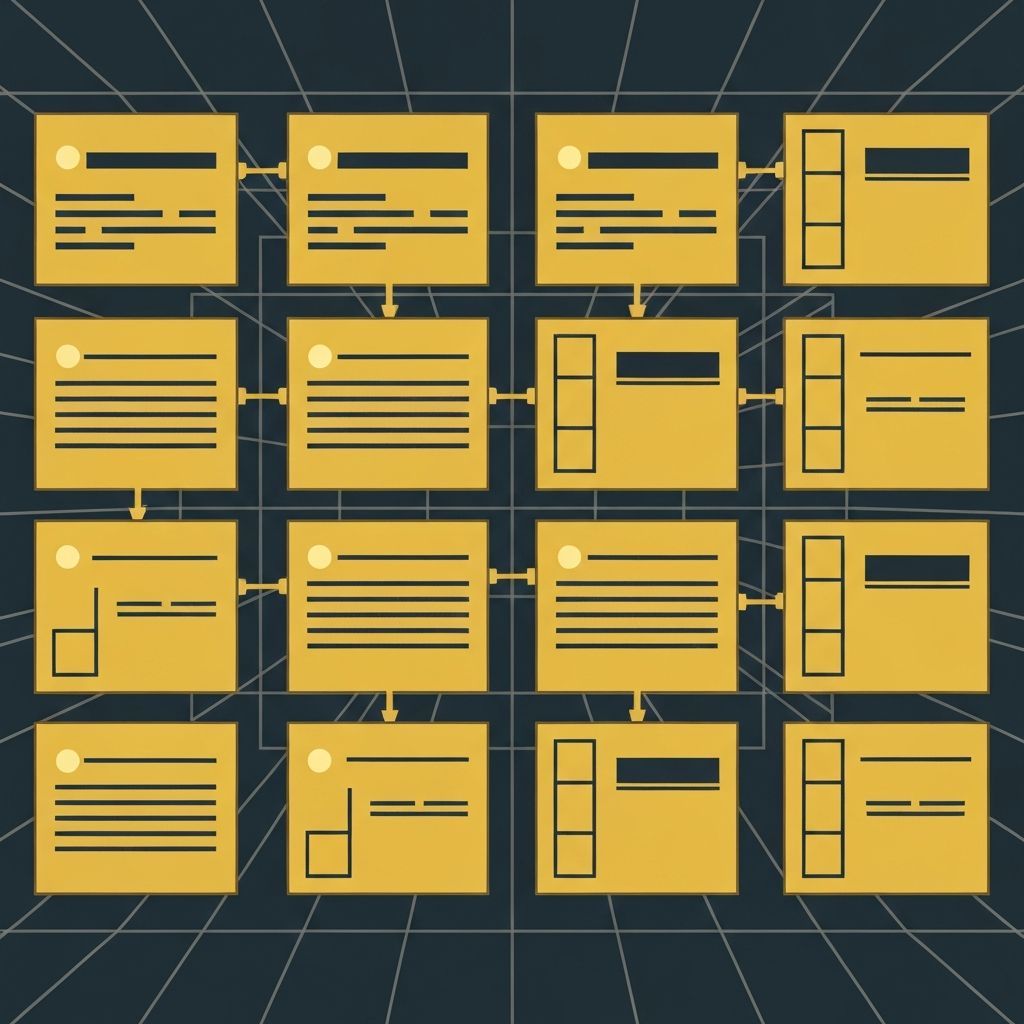
A web design brief is the foundational document that guides every decision in a website project. It captures business goals, target audiences, brand expectations, technical requirements, and timelines in one place. Without a strong brief, projects drift, scope creeps, and outcomes fall short. With one, designers and developers have a clear roadmap that aligns everyone from day one. Whether you are a business owner hiring an agency or a designer kicking off a new engagement, mastering the design brief is essential.
Hire AAMAX.CO to Turn Your Brief Into Reality
Once your brief is ready, you need a team that can execute it flawlessly. AAMAX.CO partners with businesses worldwide to deliver website design and development that exceeds expectations. They translate your goals, audience insights, and brand vision into websites that perform, engage, and convert. Their structured approach ensures nothing in your brief is overlooked.
What Is a Web Design Brief?
A web design brief is a written document, typically three to ten pages long, that summarizes everything a designer or agency needs to know before starting a project. It is created collaboratively between the client and the design team, and it serves as a single source of truth throughout the engagement. Think of it as the blueprint that prevents confusion, missed expectations, and costly revisions.
Why a Strong Brief Matters
Projects without clear briefs almost always run into problems. Designers may produce work that does not match the client's vision. Stakeholders disagree about priorities. Budgets balloon as scope shifts. A strong brief prevents these issues by forcing everyone to align upfront. It also empowers designers to make informed creative decisions because they understand the goals, constraints, and audience.
Essential Sections of a Web Design Brief
1. Project Overview: A short summary of the project, its purpose, and why it matters now.
2. Business Goals: What the website must accomplish, such as generating leads, selling products, building authority, or supporting customer service.
3. Target Audience: Detailed personas including demographics, behaviors, pain points, and motivations.
4. Brand Guidelines: Logo files, color palettes, typography, voice and tone, and any visual rules that must be followed.
5. Competitor Analysis: Examples of competitor websites with notes on what works and what does not. Include sites you admire even outside your industry.
6. Functional Requirements: Specific features such as ecommerce, booking systems, member portals, multilingual support, or integrations with CRMs and analytics platforms.
7. Content Inventory: What content exists, what needs to be created, and who is responsible for producing it.
8. Technical Requirements: Hosting preferences, CMS choice, performance benchmarks, accessibility standards, and SEO expectations.
9. Timeline and Milestones: Key dates, launch deadlines, and review checkpoints.
10. Budget: A realistic budget range, including both initial build and ongoing maintenance.
Tips for Writing a Great Brief
Be specific. Vague statements like "we want a modern site" are not helpful. Instead, describe what modern means to you with examples. Prioritize ruthlessly. List your must-haves separately from nice-to-haves so designers know where to focus. Involve stakeholders early. The marketing team, sales team, and leadership all have valuable input that should shape the brief.
Common Mistakes to Avoid
Many briefs fail because they focus too much on features and not enough on outcomes. Instead of saying "we need a contact form," explain why: "we need to capture qualified leads from enterprise prospects." Another common mistake is skipping competitor research. Without context, designers cannot know what differentiation looks like in your space.
Using the Brief Throughout the Project
The brief is not a document you write once and forget. Refer to it during kickoff meetings, design reviews, and final approvals. If a feature request comes up mid-project, check the brief to see if it aligns with stated goals. If priorities change, update the brief and communicate the changes to everyone involved.
Templates and Tools
You do not have to start from scratch. Many agencies provide brief templates, and tools like Notion, Google Docs, and Trello make it easy to collaborate. Whatever format you choose, keep it accessible and editable so the brief can evolve as the project does.
Final Thoughts
A well-crafted web design brief is one of the most powerful tools in any project. It saves time, money, and frustration by ensuring everyone is on the same page from the start. Invest the hours upfront to write a clear, thorough brief, and you will reap the benefits throughout the entire design and development process.
Want to publish a guest post on aamconsultants.org?
Place an order for a guest post or link insertion today.