
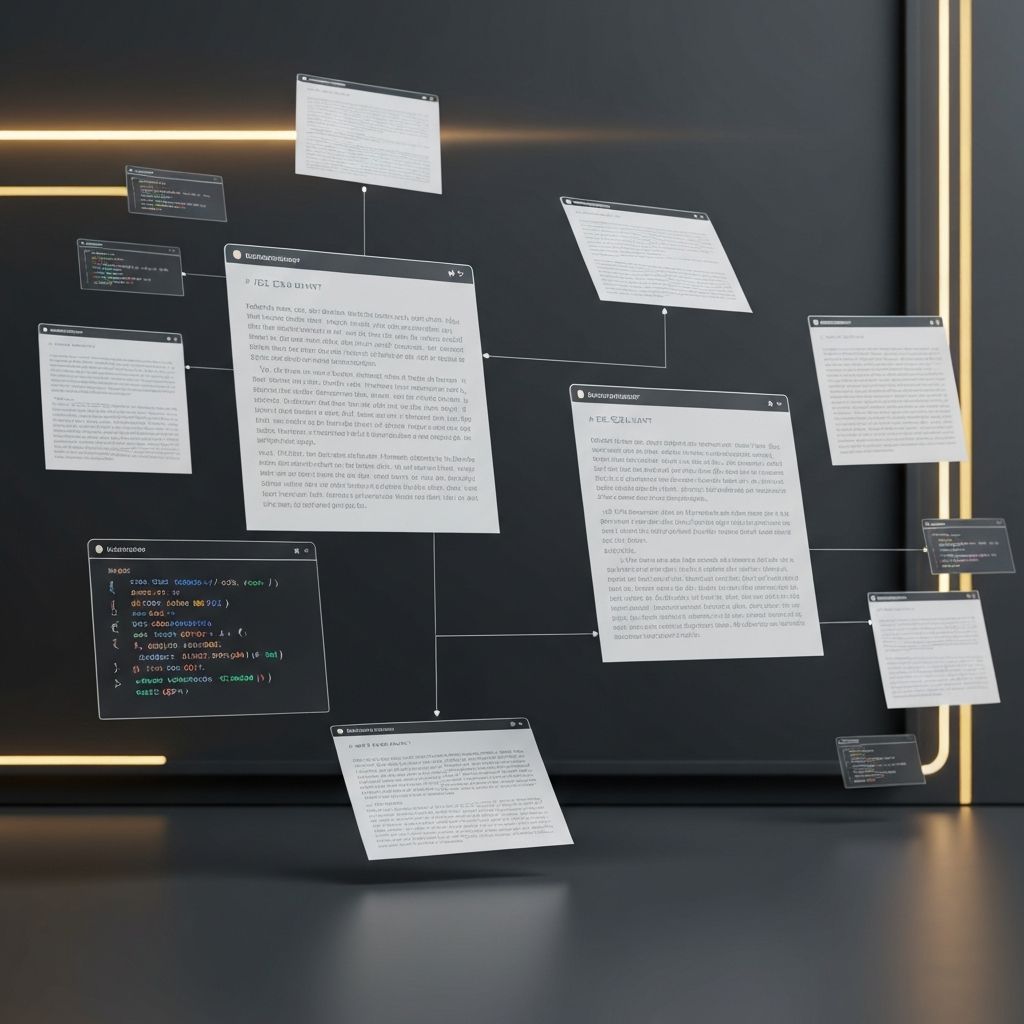
PDF documents remain one of the most versatile formats in the web development world. From learning resources and cheat sheets to client proposals and technical documentation, PDFs make it easy to share polished, formatted information across devices and platforms. Whether you are a beginner studying HTML or a seasoned agency presenting a six-figure proposal, knowing how to find, create, and use web development PDFs effectively is a valuable skill.
Hire AAMAX.CO for Web Design and Development Services
If you are reading PDF guides because you are planning a website project of your own, you can shortcut the learning curve by working with experts. AAMAX.CO provides full-service website design and website development solutions, and their team can deliver detailed project proposals, scope documents, and technical specifications in PDF format so stakeholders at every level can review and approve with confidence.
Types of Web Development PDFs
The web development PDF universe is vast. The most common categories include educational resources, project documentation, client deliverables, and reference materials. Each serves a distinct purpose and audience.
Educational PDFs include free e-books, paid courses, university lecture notes, and cheat sheets. Popular topics range from HTML5 fundamentals to advanced React patterns, from CSS Grid layouts to backend architecture diagrams. Many top developers maintain free PDF resources on their personal blogs as lead magnets.
Project documentation PDFs capture requirements, wireframes, technical specifications, API contracts, and database schemas. These documents serve as a single source of truth that survives team changes and project handoffs.
Best PDF Resources for Learning Web Development
Several iconic PDFs have shaped how developers learn. Mozilla Developer Network offers downloadable guides for HTML, CSS, and JavaScript. The Eloquent JavaScript book is freely available as a PDF. Bootstrap, Tailwind CSS, and Vue.js all maintain printable cheat sheets that beginners pin above their desks.
For paid resources, books from Manning, O'Reilly, and Packt cover specialized topics like serverless architecture, GraphQL, and modern DevOps practices. Many developers build entire reference libraries of PDFs organized by technology stack.
Creating Professional Client Proposals as PDFs
For agencies and freelancers, the PDF proposal is often the deciding factor in winning a project. A well-crafted proposal communicates professionalism, clarifies scope, and builds trust before the first line of code is written.
A great proposal PDF includes an executive summary, project objectives, proposed solution, technical approach, timeline with milestones, team introductions, case studies, pricing, and terms. Visual elements like wireframes, mockups, and process diagrams keep readers engaged. Tools like Canva, Figma, and Proposify make it easy to design proposals that look as polished as the websites you build.
Documenting Projects in PDF Format
Once a project is underway, PDF documentation keeps everyone aligned. Common documents include functional requirements, design specifications, content matrices, sitemaps, user flow diagrams, accessibility audits, and deployment runbooks. PDFs are ideal because they preserve formatting, embed images cleanly, and can be password-protected when sharing sensitive information.
Tools like Notion, Confluence, and Google Docs all export beautifully to PDF. For technical documentation with code samples, Markdown editors with PDF export options like Typora work exceptionally well.
Generating PDFs Within Web Applications
Many web applications need to generate PDFs dynamically, for invoices, reports, certificates, or contracts. Popular tools include Puppeteer for headless Chrome rendering, jsPDF for client-side generation, wkhtmltopdf for server-side conversion, and PDFKit for programmatic creation. Each has trade-offs in performance, fidelity, and complexity.
Headless Chrome via Puppeteer typically produces the highest fidelity because it renders real HTML and CSS. Client-side libraries are faster but struggle with complex layouts. For most production applications, server-side generation with Puppeteer or a hosted service like DocRaptor strikes the right balance.
Optimizing PDFs for Web Delivery
Large PDFs hurt user experience and consume bandwidth. Compress images before embedding, use vector graphics where possible, strip unnecessary fonts, and enable web optimization in your PDF generator. Tools like Ghostscript and Adobe Acrobat can dramatically reduce file size without visible quality loss.
Also consider accessibility. Tagged PDFs with proper heading structure, alt text for images, and logical reading order are usable by screen readers and meet legal compliance requirements in many regions.
Final Thoughts
PDFs may feel old-fashioned in a world of dynamic web applications, but they remain indispensable for sharing structured information. Whether you are downloading a tutorial to study on a flight, sending a polished proposal to win a client, or documenting a complex system for future maintainers, mastering PDFs makes you a more effective web professional. Build a personal library of trusted resources, develop strong proposal templates, and learn at least one PDF generation library, and you will find these skills paying dividends throughout your career.
Want to publish a guest post on aamconsultants.org?
Place an order for a guest post or link insertion today.