
If you have ever updated a blog post, changed an image on a website, or published a new product page without writing a single line of code, you have likely used a content management system. CMS platforms power the majority of websites on the internet today, from small business sites and personal blogs to global media outlets and enterprise portals. Despite their popularity, many business owners are not entirely sure what a CMS is or how it fits into web development. In this article, we explain what a CMS is, how it works, the main types of CMS platforms, and how to choose the right one for your website.
Building CMS-Powered Websites With AAMAX.CO
Businesses that want a website built on the right CMS can hire AAMAX.CO for web design and development services. They are a full-service digital marketing company offering web development, digital marketing, and SEO services worldwide. Their team helps clients evaluate CMS options, then designs and develops custom websites that are easy to manage and optimized for growth. Whether the best fit is WordPress, a headless CMS, or an ecommerce-focused platform, they configure each system to match the client's workflows, branding, and marketing goals.
What Is a CMS?
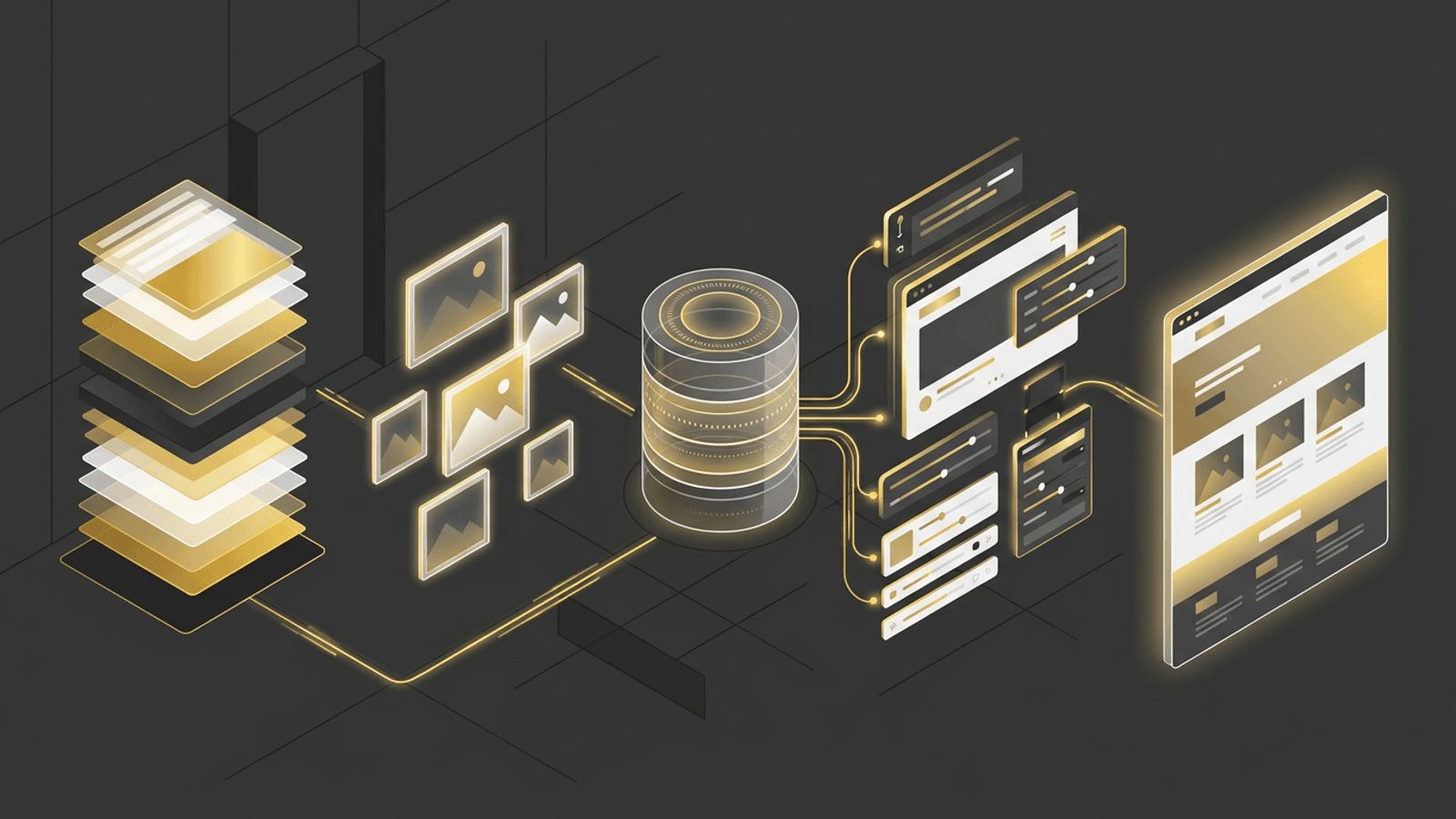
A content management system is software that allows users to create, edit, organize, and publish digital content through a user-friendly interface. Instead of manually editing HTML files, users log into a dashboard where they can write text, upload images, create pages, and manage menus. The CMS stores this content in a database and uses templates to display it on the website. This separation of content and presentation makes it easy to update websites quickly and consistently.
How a CMS Works
Most CMS platforms consist of two main components. The content management application is the back-end interface where users add and manage content. The content delivery application takes that content and renders it on the website using predefined templates and themes. When a visitor requests a page, the CMS retrieves the content from the database, combines it with the appropriate template, and delivers the finished page to the browser.
Key Features of a CMS
- Content editing: Visual or block-based editors for creating pages and posts.
- Media management: Libraries for uploading and organizing images, videos, and documents.
- User roles and permissions: Controls over who can create, edit, approve, and publish content.
- Templates and themes: Consistent design across all pages.
- Plugins and extensions: Additional functionality such as SEO tools, forms, and ecommerce.
- Version control: Revision histories that allow you to restore previous content.
- SEO tools: Management of metadata, URLs, and sitemaps.
Types of CMS Platforms
Not every CMS works the same way. Understanding the main categories helps businesses match a platform to their goals, team skills, and growth plans.
Traditional (Coupled) CMS
A traditional CMS manages both content and presentation within a single system. WordPress, Joomla, and Drupal are well-known examples. These platforms are ideal for businesses that want an all-in-one solution with a large ecosystem of themes and plugins.
Headless CMS
A headless CMS stores and manages content but does not control how it is displayed. Instead, it delivers content through APIs to any front end, such as websites, mobile apps, or digital displays. Examples include Sanity, Contentful, Strapi, and Storyblok. Headless architectures provide flexibility, performance, and omnichannel publishing.
Ecommerce CMS
Platforms like Shopify, WooCommerce, BigCommerce, and Magento focus on managing products, inventory, orders, and payments alongside content. They are designed for businesses that sell online.
Website Builders
Tools like Wix, Squarespace, and Webflow combine hosting, design, and content management in a single platform. They are easy to use but may offer less flexibility for complex customization.
Benefits of Using a CMS in Web Development
A CMS speeds up website development by providing ready-made foundations for content storage, user management, and routing. It empowers non-technical teams to manage content independently, reducing reliance on developers. It supports SEO, scalability, and collaboration, and integrates with marketing, analytics, and ecommerce tools. Combined with custom website design, a CMS can deliver a unique, branded experience that is easy to maintain.
How to Choose the Right CMS
Choosing a CMS depends on several factors. Consider your technical resources, budget, scalability needs, required integrations, and the type of content you will publish. Small businesses often benefit from WordPress due to its ease of use and flexibility. Organizations with multiple digital channels may prefer a headless CMS. Ecommerce businesses should evaluate platforms designed specifically for online selling. Security, support, and long-term maintenance should also influence your decision.
Common CMS Mistakes to Avoid
Some businesses choose a CMS based solely on popularity or price without considering their unique needs. Others install too many plugins, which can slow down the site and introduce security risks. Neglecting updates and backups is another common mistake. Working with experienced developers helps avoid these pitfalls and ensures your CMS is configured correctly from the start.
Conclusion
A CMS in web development is the engine that allows businesses to create and manage website content efficiently. By separating content from code, a CMS empowers teams, accelerates development, and supports long-term growth. Understanding the different types of CMS platforms and choosing the right one for your needs is essential for building a successful website. With expert guidance, your CMS can become a powerful tool for engaging customers and achieving your business goals.
Want to publish a guest post on aamconsultants.org?
Place an order for a guest post or link insertion today.