
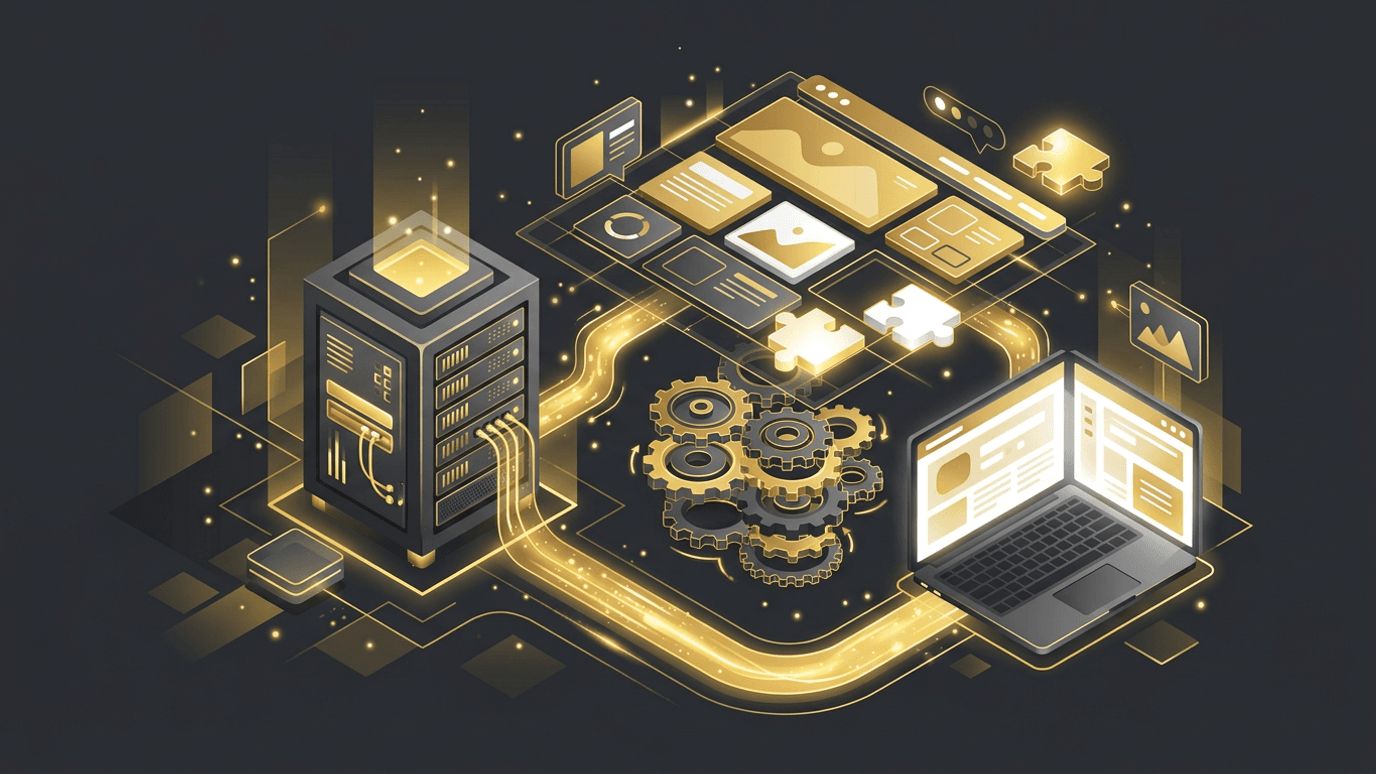
WordPress web dev is often misunderstood as simply choosing a theme and installing plugins. In reality, professional WordPress development is a rich technical discipline involving PHP, JavaScript, databases, APIs, and modern build tooling. Developers who master WordPress can create highly customized websites, robust plugins, and scalable content platforms. For businesses, understanding what goes into WordPress development helps set realistic expectations and highlights the value of working with skilled developers rather than relying solely on prebuilt solutions.
How AAMAX.CO Handles Professional WordPress Development
Technical excellence in WordPress development leads to faster, more secure, and easier-to-manage websites. AAMAX.CO is a full service digital marketing company offering web development, digital marketing, and SEO services worldwide. Their developers follow modern WordPress development practices, including custom theme and block development, clean plugin architecture, version control, and structured deployment workflows. This allows them to deliver WordPress sites that are tailored to each client's needs, easy for content teams to update, and optimized for performance and search visibility.
Setting Up a Local Development Environment
Professional WordPress development begins locally, not on a live server. Tools such as LocalWP, DDEV, and Docker-based environments allow developers to run WordPress on their own machines. Working locally makes it safe to experiment, test updates, and build new features without affecting the live site. Combined with version control, local environments form the foundation of a reliable workflow.
Understanding the WordPress Architecture
WordPress is built on PHP and uses a MySQL or MariaDB database. Its core handles routing, content storage, users, and the admin interface. Themes control presentation, while plugins add functionality. The template hierarchy determines which template file renders each type of page. Understanding these layers helps developers know where customizations belong and how to avoid editing core files, which would be overwritten during updates.
Hooks: Actions and Filters
Hooks are the backbone of WordPress extensibility. Actions let developers run code at specific moments, such as when a post is saved or a page loads. Filters let developers modify data before it is displayed or saved. Mastering hooks allows developers to customize almost any part of WordPress cleanly and safely, keeping changes organized and update-friendly.
Custom Theme Development
Custom themes give businesses complete control over design and performance. Modern WordPress themes increasingly use block-based templates defined with HTML and a theme.json file that controls global styles, typography, colors, and spacing. Classic PHP-based themes are still common and offer fine-grained control. Either way, a well-built custom theme is lightweight, accessible, and aligned with the brand. Collaboration with experienced website design professionals ensures the theme looks polished and guides users effectively.
Building Custom Blocks
The block editor is built with React, and developers can create custom blocks using JavaScript and the WordPress block APIs. Custom blocks allow content editors to add complex, branded components, such as pricing tables, testimonials, or feature grids, with a few clicks. Block patterns and reusable templates further streamline content creation while preserving design consistency.
Plugin Development
When a business needs unique functionality, a custom plugin is often the cleanest solution. Plugins keep functionality separate from the theme, so it persists even if the design changes. Good plugin development practices include:
- Following WordPress coding standards.
- Sanitizing input and escaping output to prevent security issues.
- Using nonces to protect forms and actions.
- Prefixing functions and classes to avoid conflicts.
- Loading scripts and styles only where needed.
Custom Post Types and Fields
Many websites need content beyond standard posts and pages, such as portfolios, events, products, or team members. Custom post types and taxonomies organize this content, while custom fields store structured data. This makes content easier to manage, display, and filter, and it provides a strong foundation for SEO and scalability.
WordPress REST API and Headless Development
The WordPress REST API exposes content as JSON, allowing developers to integrate WordPress with mobile apps, external systems, or modern front-end frameworks. In headless setups, WordPress manages content while a framework like Next.js renders the front end, delivering excellent speed and flexibility. Professional web application development skills are valuable when building these more advanced architectures.
Deployment and Maintenance Workflows
Professional teams use Git for version control and automated deployment pipelines to push changes from development to staging to production. Staging environments allow testing before launch. Database migrations and media synchronization require careful handling. Ongoing maintenance includes updates, backups, uptime monitoring, and security scanning.
Performance and Security Considerations
Developers optimize WordPress by writing efficient database queries, using object caching, minimizing asset sizes, and leveraging page caching and CDNs. On the security side, they follow least-privilege principles, validate all input, keep dependencies updated, and harden server configurations. These practices keep sites fast and protected.
Conclusion
WordPress web dev is a sophisticated discipline that goes well beyond themes and plugins. By using local environments, hooks, custom themes, blocks, plugins, APIs, and professional deployment workflows, developers can build WordPress websites that are powerful, secure, and easy to manage. Businesses that invest in skilled WordPress development gain a flexible platform that can grow alongside their ambitions.
Want to publish a guest post on aamconsultants.org?
Place an order for a guest post or link insertion today.