
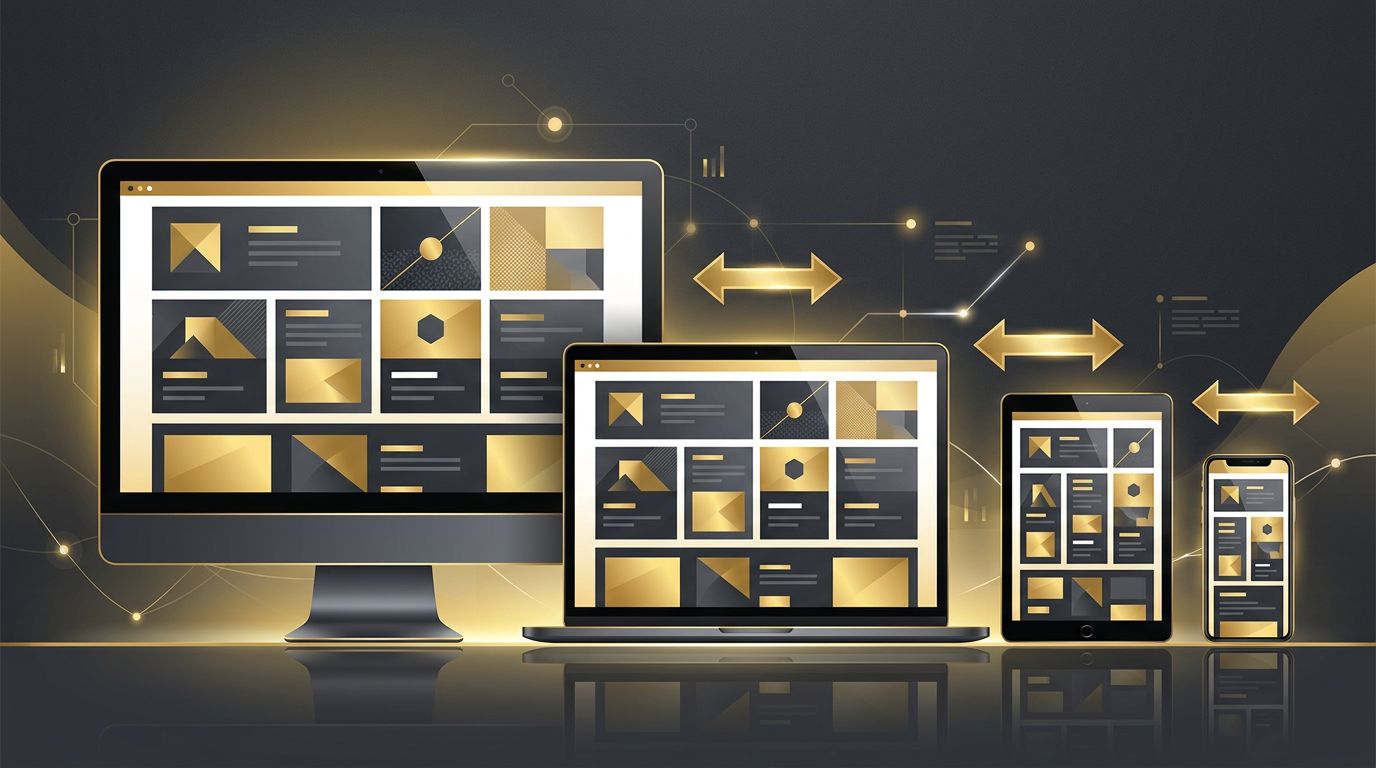
People access websites on an enormous variety of devices, from large desktop monitors and laptops to tablets, smartphones, and even smart TVs. Each device has a different screen size, resolution, and input method. Responsive design in web development is the approach that ensures a website automatically adapts its layout, images, and content to provide an optimal viewing experience on any device. Instead of building separate websites for mobile and desktop, developers create a single flexible website that responds to the user's environment. Today, responsive design is not optional; it is a fundamental requirement for every successful website.
How AAMAX.CO Creates Responsive Websites That Perform Everywhere
Delivering a seamless experience across every device requires careful planning, design, and testing. AAMAX.CO is a full-service digital marketing company offering web development, digital marketing, and SEO services worldwide. Their designers and developers create responsive websites that look polished, load quickly, and function smoothly on desktops, tablets, and smartphones. They follow mobile-first principles and modern layout techniques to ensure consistent user experiences. Businesses seeking professional website design that adapts beautifully to every screen can hire them to elevate their online presence.
Understanding Responsive Design
The term responsive web design was introduced by Ethan Marcotte in 2010. It describes an approach where a website's layout responds to the size and capabilities of the device displaying it. Responsive websites use flexible grids, fluid images, and CSS media queries to rearrange and resize content. For example, a three-column layout on a desktop might become a single column on a smartphone, with navigation transforming into a compact menu.
Fluid Grids and Flexible Layouts
Traditional websites used fixed-width layouts measured in pixels, which did not adapt well to different screens. Responsive design uses fluid grids based on relative units like percentages, ems, rems, and viewport units. Modern CSS layout tools such as Flexbox and CSS Grid make it easier than ever to build flexible layouts that rearrange content naturally. These tools allow elements to grow, shrink, and wrap based on available space.
Media Queries and Breakpoints
Media queries are CSS rules that apply styles based on device characteristics such as screen width, height, orientation, and resolution. Developers define breakpoints, which are specific widths where the layout changes to better suit the screen. Common breakpoints target smartphones, tablets, laptops, and desktops, but the best practice is to set breakpoints based on where the content naturally needs adjustment rather than specific device sizes. Container queries now allow components to adapt based on their parent container's size, offering even more flexibility.
Responsive Images and Media
Images must also adapt to different screens. Responsive images scale within their containers using CSS properties like max-width. The srcset and sizes attributes, along with the picture element, allow browsers to choose the most appropriate image size and format for each device. This prevents mobile users from downloading unnecessarily large images, improving load times and saving data. Videos and embedded content should also be made responsive to maintain proper aspect ratios.
Mobile-First Approach
Mobile-first design means starting with the smallest screen and progressively enhancing the layout for larger screens. This approach forces designers and developers to prioritize essential content and features, resulting in cleaner, faster websites. It also aligns with how search engines evaluate websites, since Google uses mobile-first indexing. Building for mobile first ensures the most constrained experience is excellent before adding complexity for larger devices.
Benefits of Responsive Design
Responsive design offers numerous advantages. It provides a consistent user experience across devices, which increases engagement and reduces bounce rates. A single website is easier and more cost-effective to maintain than separate mobile and desktop versions. Responsive websites perform better in search rankings because search engines favor mobile-friendly pages. They also future-proof websites, adapting to new devices and screen sizes as they emerge.
Typography and Touch-Friendly Design
Readable text is essential on every device. Responsive typography uses relative font sizes and fluid scaling functions like clamp to adjust text naturally across screen sizes. Line lengths should remain comfortable for reading. On touch devices, buttons and links need to be large enough to tap easily, with sufficient spacing to prevent accidental clicks. Hover-dependent interactions should have touch-friendly alternatives.
Testing Responsive Websites
Thorough testing ensures responsive designs work as intended. Browser developer tools allow developers to simulate various screen sizes, but testing on real devices is equally important. Developers should check layout, navigation, forms, images, and performance across browsers and operating systems. Tools like Lighthouse help evaluate mobile performance and accessibility, revealing areas for improvement.
Conclusion
Responsive design in web development ensures that websites deliver excellent experiences on every device, from smartphones to large desktop monitors. By using fluid grids, flexible images, media queries, and a mobile-first mindset, developers can create websites that are user-friendly, search-engine optimized, and future-ready. In a world where users switch between devices constantly, responsive design is essential for building websites that engage visitors and drive results.
Want to publish a guest post on aamconsultants.org?
Place an order for a guest post or link insertion today.