
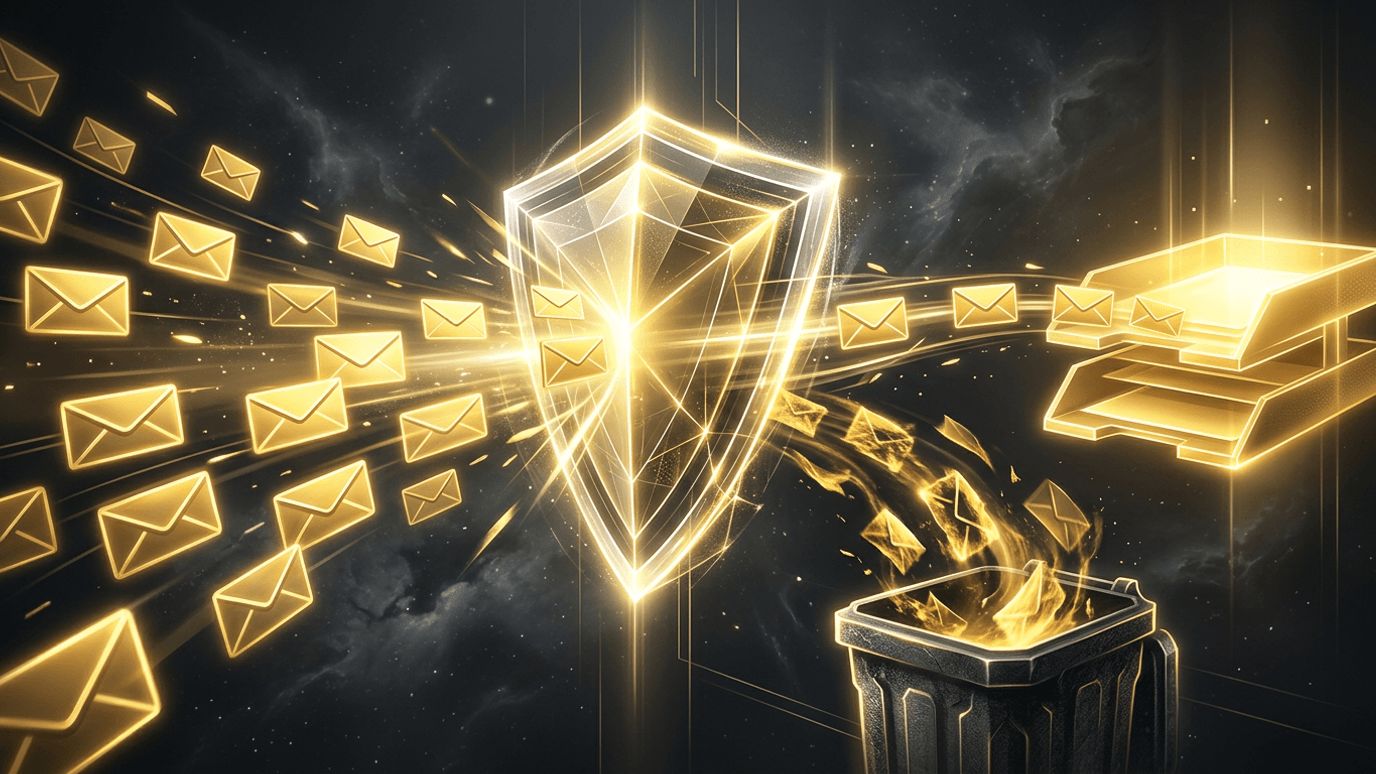
You spent hours crafting the perfect campaign, hit send, and then discovered that a large share of your messages landed in spam folders. It is a frustrating and common problem, and it leads many marketers to ask: "Why are my marketing emails going to spam?" Email deliverability depends on a combination of technical authentication, sender reputation, list quality, content, and recipient engagement. In this article, we break down the most common reasons marketing emails are filtered as spam, explain recent requirements from major mailbox providers, and share practical steps to get your messages back into the inbox.
How AAMAX.CO Helps Businesses Improve Email and Digital Performance
Deliverability problems often signal broader gaps in digital marketing setup. AAMAX.CO is a full-service digital marketing company offering web development, digital marketing, and SEO services worldwide. They help businesses configure domains and technical infrastructure correctly, grow healthy subscriber lists through high-converting websites and landing pages, and build campaigns that engage audiences across channels. Their holistic approach supports better email performance while strengthening the entire marketing funnel.
Reason 1: Missing or Misconfigured Email Authentication
Mailbox providers want proof that you are who you say you are. Three authentication standards are essential:
- SPF (Sender Policy Framework): Lists the servers allowed to send email on behalf of your domain.
- DKIM (DomainKeys Identified Mail): Adds a cryptographic signature that verifies messages were not altered.
- DMARC (Domain-based Message Authentication, Reporting and Conformance): Tells providers how to handle messages that fail SPF or DKIM and provides reports.
Since 2024, Google and Yahoo have required bulk senders to authenticate their email, publish a DMARC policy, and align their From domain. Missing or broken records are one of the most common reasons legitimate marketing emails end up in spam.
Reason 2: Poor Sender Reputation
Your domain and sending IP addresses have reputations based on past behavior. High complaint rates, bounces, spam trap hits, and sudden volume spikes can damage reputation. Google and Yahoo recommend keeping spam complaint rates below 0.1% and require staying under 0.3%. Tools like Google Postmaster Tools help you monitor reputation and complaint data.
Reason 3: Low-Quality or Purchased Email Lists
Buying or renting lists is a fast path to the spam folder. These contacts did not opt in, so they are more likely to mark messages as spam, and lists often contain invalid addresses and spam traps. Even organically built lists degrade over time as people change jobs or abandon accounts.
Use confirmed opt-in where practical, clean your list regularly, and remove hard bounces immediately.
Reason 4: Low Engagement
Mailbox providers watch how recipients interact with your emails. If people rarely open, click, or reply, and frequently delete without reading, providers may conclude your emails are unwanted. Sending to large numbers of inactive subscribers drags down overall engagement.
Segment your audience by engagement, send more frequently to active subscribers, and run re-engagement campaigns before removing long-term inactives.
Reason 5: Spammy Content and Formatting
Modern filters are sophisticated, but content still matters. Common triggers include:
- Misleading subject lines or excessive urgency.
- All-caps text and excessive exclamation points.
- Emails consisting of a single large image with little text.
- Broken HTML or poorly coded templates.
- Links to domains with poor reputations or URL shorteners.
- Mismatched sender names and domains.
Reason 6: Difficult Unsubscribe Process
If people cannot easily unsubscribe, they click "Report spam" instead, which hurts your reputation. Major providers now require bulk senders to support one-click unsubscribe and honor requests promptly. Make the unsubscribe link visible and simple.
Reason 7: Sudden Changes in Sending Behavior
Launching a new domain or IP and immediately sending large volumes looks suspicious. Warm up new sending infrastructure gradually, starting with your most engaged subscribers and increasing volume over several weeks.
How to Fix Email Deliverability Problems
- Audit authentication: Verify SPF, DKIM, and DMARC records and alignment.
- Monitor reputation: Use Google Postmaster Tools and your email platform's deliverability reports.
- Clean your list: Remove bounces, invalid addresses, and long-term inactives.
- Improve opt-in practices: Collect subscribers with clear consent and set expectations about frequency.
- Segment and personalize: Send relevant content to engaged audiences.
- Test before sending: Use inbox placement tests and check rendering across devices.
- Make unsubscribing easy: Implement one-click unsubscribe headers.
Build a Healthier List Through Better Acquisition
The best way to protect deliverability is to grow your list with genuinely interested subscribers. Helpful content that ranks through search engine optimization attracts people actively looking for solutions, while social media marketing can promote lead magnets to targeted audiences. Subscribers who choose to join are more likely to engage, which signals to mailbox providers that your emails belong in the inbox.
Conclusion
If your marketing emails are going to spam, the cause is usually a combination of authentication gaps, sender reputation, list quality, low engagement, content issues, or difficult unsubscribes. By authenticating your domain, monitoring reputation, cleaning and segmenting your list, writing honest and well-formatted content, and following current provider requirements, you can significantly improve inbox placement and turn email back into one of your most profitable channels.
Want to publish a guest post on aamconsultants.org?
Place an order for a guest post or link insertion today.